
Pipedrive Lead Scoring: What It Is, How to Set It Up, and Why It Works
Not every lead deserves the same amount of sales time. Some prospects match your ideal customer profile, have a clear need, and are actively moving toward a purchase. Others may be curious, unsuitable, inactive, or far from making a decision.
Pipedrive lead scoring helps your sales team separate these opportunities. Instead of working from the newest lead first or following up based on instinct, you can use a structured score to identify the deals that are most likely to close.
In Pipedrive, the built-in feature is called Scores. It currently scores deals, rather than standalone leads, using custom criteria that reflect your ideal customer profile, qualification process, and sales strategy. The result is a normalized score from 0 to 100 that helps your team focus on the opportunities that matter most.
What Is Pipedrive Lead Scoring?
Pipedrive lead scoring is the process of assigning a score to sales opportunities based on the signals that indicate fit, buying intent, and likelihood of success. While people often call it “lead scoring,” Pipedrive’s native Scores feature currently applies to deals.
The score is not a random AI prediction. Your business defines the rules. You decide which qualities should increase a deal’s priority and which warning signs should reduce it.
For example, a digital agency may score a deal higher when the prospect has a suitable monthly budget, needs to begin within 30 days, and has a decision-maker involved. It may score a deal lower when the budget is unknown, the project is not planned until next year, or the enquiry does not match the agency’s services.
Pipedrive confirms that Scores are available on Premium and higher plans and are designed to evaluate a deal’s likelihood of closing successfully. Read Pipedrive’s official Scores guide.

Why Lead Scoring Matters in Pipedrive
A full pipeline can hide a weak sales process. Your CRM may show many open deals, but if sales reps are spending most of their time on poor-fit or inactive opportunities, pipeline value will not turn into revenue.
Lead scoring helps your team prioritize based on evidence rather than volume. It creates a clearer answer to the question: “Which deal should I work on next?”
A well-designed scoring system can help you:
- Focus sales time on high-potential opportunities.
- Improve speed-to-lead for valuable prospects.
- Reduce time spent on poor-fit deals.
- Create more consistent qualification across the team.
- Improve sales forecasting.
- Highlight missing qualification information.
- Give sales managers better coaching data.
- Create smarter automation and follow-up processes.
- Keep the pipeline cleaner and more realistic.
Pipedrive describes custom scoring as a way to define criteria that reflect your business goals and ideal customer profile, helping teams prioritize the right deals. Learn more about Pipedrive Pulse and custom scoring.
Lead Scoring vs Lead Qualification: What Is the Difference?
Lead scoring and lead qualification are closely connected, but they are not the same thing. Scoring ranks opportunities, while qualification confirms whether the prospect is worth pursuing.
A score helps you decide where to focus first. Qualification involves a salesperson confirming the details through a form, call, meeting, or discovery process.
For example, a website enquiry may score highly because it comes from a target industry, includes a high expected budget, and asks for an urgent consultation. The sales rep still needs to confirm the prospect’s actual need, decision-making authority, and timeline.
The strongest process uses both:
- Lead scoring identifies priority.
- Lead qualification confirms fit and sales readiness.
- Sales activity moves the qualified deal toward a decision.
Pipedrive’s own guidance explains that lead scoring ranks prospects based on characteristics and engagement, while lead qualification checks fit, intent, authority, and timing before sales teams invest more effort. Read Pipedrive’s lead-qualification guide.

How Pipedrive Scores Work
Pipedrive Scores use custom criteria and fixed point groups to calculate a normalized deal score between 0 and 100. The higher the final number, the stronger the deal according to the rules you have created.
This gives your team a consistent way to compare opportunities, even when individual deals have different combinations of positive and negative signals.
The Three Scoring Groups
Pipedrive lets you place criteria into three groups. Each group has a fixed point value, so you should use the groups according to the importance of each signal.
The groups are:
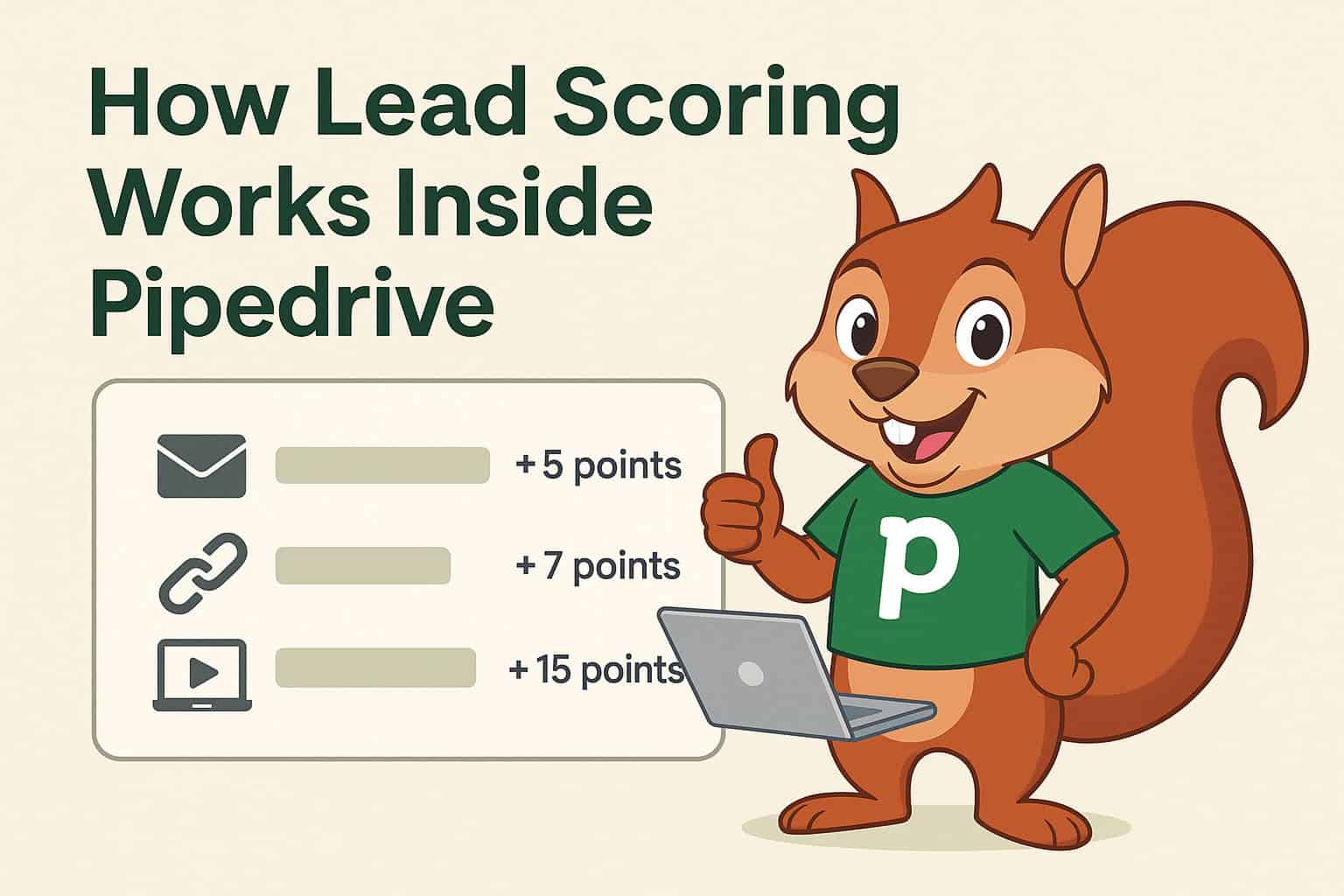
- Highly positive: Adds 25 points.
- Slightly positive: Adds 10 points.
- Negative: Subtracts 10 points.
You can create up to 10 criteria in total across these groups. Pipedrive then normalizes the result to a 0–100 scale, where 0 indicates a very poor outcome and 100 indicates the strongest possible match based on your rules. See how Pipedrive calculates Scores.
Which Data Can You Score?
Pipedrive currently allows scoring criteria based on deal fields and activity fields. This means your score can account for both deal fit and sales behaviour.
Useful deal-field criteria may include:
- Deal value.
- Service or product interest.
- Company size.
- Industry.
- Budget range.
- Timeline.
- Lead source.
- Decision-maker role.
- Current CRM or provider.
- Pipeline stage.
Useful activity-based criteria may include:
- A discovery call completed.
- A follow-up meeting booked.
- A proposal review call scheduled.
- An overdue activity.
- No future activity planned.
- Recent communication or engagement.
How to Set Up Pipedrive Lead Scoring Step by Step
Before creating a score, make sure your deal data is structured. If important qualification details are buried in notes, the scoring system cannot use them reliably.
Start by deciding which deal fields your sales team must complete. For help creating the right qualification fields, read our guide to Pipedrive custom fields for sales and CRM efficiency.

Step 1: Define Your Ideal Customer Profile
Your ideal customer profile, or ICP, describes the type of prospect most likely to buy, succeed with your service, and become a valuable long-term customer.
This should be based on your real closed-won clients, not assumptions. Review your best customers and identify patterns in industry, company size, budget, location, urgency, service need, and decision-making structure.
For a B2B consultancy, an ideal customer profile may include:
- A company with 10 to 200 employees.
- A decision-maker from sales, operations, or leadership.
- A clear CRM or sales-process challenge.
- A realistic implementation budget.
- A target start date within 90 days.
- A need for sales automation, data cleanup, pipeline design, or integration.
Your score should reward the characteristics that consistently appear in successful client relationships.
Step 2: Create or Review Your Deal Fields
Pipedrive Scores use deal and activity information, so the fields your team collects must be clear and consistent. Dropdown fields are generally better than free-text fields because they make filtering, reporting, and scoring more reliable.
A practical qualification setup might include:
- Service Required: Pipedrive Setup, Automation, Integration, Training, Consulting.
- Business Size: 1–10, 11–50, 51–200, 200+.
- Budget Range: Under $1,000, $1,000–$5,000, $5,000–$10,000, $10,000+.
- Decision Timeline: This month, 30–60 days, 60–90 days, Later.
- Decision-Maker Involved: Yes or No.
- Current CRM: Spreadsheet, HubSpot, Salesforce, Zoho, Existing Pipedrive account.
- Lead Source: Referral, Organic Search, Paid Ads, LinkedIn, Partner, Website Form.
Clear data fields make your score trustworthy. If salespeople use different wording or leave critical fields blank, the score will only reflect incomplete information.
Step 3: Open the Scores Section in Pipedrive
Deal administrators can create and manage Scores. Regular deal users can view the score, but they cannot control the scoring rules.
To access the feature, go to Pulse in the Pipedrive sidebar and select Scores. From there, you can view existing scores or create a new one.
When creating a new Score, enter a clear name and description, choose Deals as the target entity, and select the pipeline where the Score should apply. Pipedrive currently allows only one active Score per pipeline, so design your rules carefully. Follow Pipedrive’s official setup steps here.
Step 4: Add Highly Positive Criteria
Highly positive criteria should represent strong evidence that a deal is worth serious sales attention. Since each matching criterion group adds 25 points, reserve this category for the signals most closely connected to a successful sale.
For a CRM consulting business, highly positive criteria might include:
- The deal value is above your minimum viable project value.
- The decision-maker has attended the discovery call.
- The prospect has confirmed a launch within 60 days.
- The business has a suitable user count and clear CRM requirement.
- The prospect needs one of your core, profitable services.
- The deal is sourced through a trusted referral partner.
Do not create too many highly positive rules. If nearly every deal receives several 25-point boosts, the score will stop being useful.
Step 5: Add Slightly Positive Criteria
Slightly positive criteria should identify useful signals that matter but do not guarantee a good-fit deal. These add 10 points each and help distinguish a promising opportunity from an unqualified one.
Examples include:
- The prospect has completed a website enquiry form.
- A discovery call is booked.
- The company fits a target industry.
- The lead source is organic search or a webinar.
- The prospect has opened a proposal email.
- A follow-up activity is planned within the next seven days.
- The organization has completed key qualification fields.
These criteria reward real progress without overstating the likelihood of closure.
Step 6: Add Negative Criteria
Negative criteria should identify risks, missing data, poor fit, or inactivity. They subtract 10 points and help prevent salespeople from chasing deals that look attractive only because of a high stated value.
Useful negative criteria may include:
- No future activity is scheduled.
- The deal has an overdue activity.
- The timeline is “Later” or unknown.
- The budget is below your minimum project value.
- The decision-maker is not involved.
- The prospect does not fit your target market.
- The opportunity has been inactive for an extended period.
- A proposal was sent but no review call was scheduled.
A negative score does not always mean you should close the deal. It may mean the prospect needs more qualification, a structured nurture sequence, or a different type of offer.
Step 7: Test the Score Before Activating It
Pipedrive lets you preview how scoring criteria apply to a selected deal. This is one of the most important setup steps because it shows whether your logic matches real sales situations.
Test at least three deal types:
- A recent closed-won deal.
- A typical good-fit active deal.
- A poor-fit or inactive deal.
If your old won deals score lower than unqualified opportunities, adjust your criteria before activating the Score. The system should support sales judgement, not create confusing results.
Step 8: Activate and Use the Score in Daily Sales Work
Once activated, the Score appears as a non-editable field in deal details and deal-list views. It recalculates automatically whenever relevant deal data changes.
Sales reps can hover over the score to see the factors that contributed to it. This makes the system more transparent and helps the team understand what needs to happen to improve a deal’s quality.
Use the score as a prioritization tool, not as a replacement for sales judgement. A rep should still read the deal history, understand the buyer’s challenge, and confirm the next action.
Real-World Example: Lead Scoring for a Pipedrive Consulting Agency
Imagine a Pipedrive consulting agency that receives leads from its website, referrals, LinkedIn outreach, partner agencies, and paid advertising. The agency sells Pipedrive setup, automation, integrations, training, and ongoing consulting.
Without lead scoring, sales reps may spend equal time on every enquiry. This creates a problem because a solo founder looking for free advice requires a different approach from a 50-person company ready to invest in a CRM rollout.
The agency can create scoring rules that reflect real commercial fit.
Highly Positive Criteria
The strongest score signals should be directly connected to profitable, ready-to-buy consulting projects.
Examples include:
- Deal value is $5,000 or more.
- Service Required is Pipedrive Setup, Automation, or API Integration.
- Decision Timeline is This Month or 30–60 Days.
- Decision-Maker Involved is Yes.
- Company Size is 11–200 employees.
Slightly Positive Criteria
These signals show engagement or potential, but they should not outweigh confirmed budget, urgency, or buyer access.
Examples include:
- Lead Source is Referral or Organic Search.
- A discovery call is completed.
- The prospect has provided their current CRM.
- A proposal review meeting is booked.
- Required integration details have been added.
Negative Criteria
These signals identify risk and help reps avoid wasting time on deals that are not ready or not a suitable fit.
Examples include:
- Budget Range is under $1,000.
- Timeline is Later or unknown.
- No future activity is scheduled.
- A task is overdue.
- The prospect has no defined CRM objective.
The result is a more intelligent deal list. Instead of starting each day with the newest enquiry, a salesperson can focus first on opportunities that are commercially suitable, engaged, and moving toward a decision.
How to Use Lead Scores in Your Sales Process
A score only works when it changes behaviour. Your team should agree on what different score ranges mean and how salespeople should respond.
A simple approach could be:
- 80–100: High-priority deal. Contact quickly, ensure a next activity exists, and involve the right sales or solution expert.
- 50–79: Active opportunity. Continue qualification, follow-up, and value-based sales conversation.
- 25–49: Developing opportunity. Gather missing information and determine whether it belongs in active sales or nurture.
- 0–24: Low-priority or at-risk deal. Requalify, nurture, or close as lost if there is no realistic next step.
Your exact thresholds will depend on your scoring rules and sales cycle. Review actual results after a few weeks rather than assuming the first version is perfect.
Use Lead Scores With Pipedrive Pulse
Pipedrive Scores become more useful when combined with Pulse. Pulse is Pipedrive’s prospecting toolkit that brings custom scoring, data enrichment, sequences, and a prioritized feed together.
The Pulse feed can help salespeople see follow-ups, overdue activities, stale deals, new opportunities, email engagement, and sequence actions in one workspace. This is helpful because a high score should lead to a clear action—not simply a number on a deal record.
Pipedrive states that Pulse can help teams rank deals, identify missing data, optimize follow-ups, and act on high-impact opportunities from a centralized view.
Combine Lead Scoring With Automation
Lead scoring is more powerful when it triggers a repeatable action. You do not need to automate every part of the sales process, but you should remove routine admin work that delays valuable follow-up.
For example, when a deal reaches your high-priority criteria, you can create an automation that:
- Assigns the deal to a senior salesperson.
- Creates an immediate call task.
- Sends an internal notification to the team.
- Creates a proposal-preparation activity.
- Adds the deal to a relevant email sequence.
- Updates a priority field or label.
- Schedules a manager review for high-value opportunities.
The exact setup depends on your Pipedrive plan and workflow design. For help connecting scores, field updates, assignments, and follow-up actions, explore CRM Squirrel’s Pipedrive automation services.
Common Pipedrive Lead Scoring Mistakes
A score becomes unhelpful when it is based on assumptions, incomplete data, or overly complicated rules. Start with the signals that your sales team can consistently capture and review the results regularly.
Avoid these common mistakes:
- Creating scoring rules before defining your ideal customer profile.
- Giving too many deals highly positive points.
- Scoring based only on deal value.
- Ignoring inactivity and missing follow-up tasks.
- Using free-text fields for important criteria.
- Allowing essential qualification fields to remain blank.
- Treating the score as a replacement for discovery calls.
- Creating a score but not defining what sales reps should do with it.
- Failing to review closed-won and closed-lost deals.
- Using the same scoring model for completely different pipelines.
If you sell several services with very different sales processes, create separate pipelines and use scoring criteria that reflect the buyer journey for each one.
How Often Should You Review Your Scoring Model?
Your first score is a working hypothesis, not a permanent truth. Review it after you have enough new opportunities and closed outcomes to see whether high scores really correlate with higher conversion.
For many businesses, a quarterly review is a practical starting point. Review the highest-scoring closed-lost deals and the lowest-scoring closed-won deals to identify weak rules.
Ask these questions during the review:
- Are high-scoring deals converting more often?
- Which criteria appear most often in won deals?
- Are some criteria too broad?
- Are reps completing the required fields?
- Are low-scoring deals still worth nurturing?
- Has the ideal customer profile changed?
- Are certain services, industries, or lead sources performing differently?
This makes lead scoring a sales-improvement process instead of a one-time CRM setup task.
When to Work With a Pipedrive Consultant
Pipedrive Scores can be configured quickly, but creating a scoring model that genuinely improves conversion requires a clear understanding of your sales process, data fields, pipeline stages, and historical customer patterns.
A Pipedrive consultant can help map your ideal customer profile, create the right custom fields, build a practical scoring model, connect it with automation, and create dashboards for ongoing review.
This is especially valuable when your business has multiple pipelines, several sales reps, complex qualification requirements, integrations, or inconsistent CRM data.
Start Prioritizing Better Pipedrive Opportunities
Pipedrive lead scoring works because it gives your sales team a shared method for deciding what deserves attention. Instead of treating every deal equally, you can prioritize the opportunities that best match your business and show the strongest signs of progress.
Start simple. Use a few strong fit, intent, and activity signals. Test the score against real deals. Then improve it over time as your sales data becomes more reliable.
Ready to build a smarter Pipedrive qualification process? Start with CRM Squirrel’s exclusive 45-day Pipedrive free trial and get expert support to create a pipeline, scoring strategy, automation workflow, and reporting setup that fits your business.
Frequently Asked Questions
Does Pipedrive have lead scoring?
Yes. Pipedrive offers a built-in feature called Scores, which lets businesses define custom criteria to assess the likelihood of successfully closing deals. At present, native Scores apply to deals rather than standalone leads.
Which Pipedrive plans include Scores?
According to Pipedrive’s current Knowledge Base, Scores are available on Premium and higher plans. Plan availability can change, so check Pipedrive’s current feature and pricing information before upgrading.
Can Pipedrive Scores use custom fields?
Yes. Pipedrive scoring criteria can use deal fields, including custom deal fields, as well as activity fields. This makes it possible to score opportunities based on budget, industry, service interest, timeline, decision-maker involvement, and other qualification details.
How many scoring criteria can I create in Pipedrive?
Pipedrive currently allows up to 10 criteria in total across the highly positive, slightly positive, and negative scoring groups.
Can I score different pipelines differently in Pipedrive?
Yes. You select the pipeline where a Score applies. Since only one Score can be active at a time in a given pipeline, you should create scoring logic that reflects the sales process for that specific pipeline.
Is Pipedrive lead scoring automatic?
The calculation is automatic after you configure the criteria. Pipedrive recalculates the deal score when relevant deal data changes, but your team must first define the scoring logic and ensure salespeople enter accurate qualification data.


