Best CRMs for Call Centers in 2026: Top Picks Reviewed
A call center needs more than a phone system. Agents need immediate customer context, call histories, lead details, follow-up tasks, ticket status, recordings, outcomes, and a clear next step—all without switching between several tools.
The best call center CRM connects those details in one place. It helps outbound sales teams call and qualify prospects faster, helps inbound support teams resolve issues with more context, and gives managers visibility into call volume, agent performance, response times, conversion rates, and service quality.
This guide compares seven of the best CRMs for call centers in 2026. It includes the most relevant features, key pros, limitations, starting pricing, and the type of business each platform suits best.

What Is a Call Center CRM?
A call center CRM is customer relationship management software that helps call agents manage conversations, customer records, sales opportunities, service issues, and follow-up activities. It usually connects with VoIP, cloud-phone, dialer, call-recording, or contact-center systems.
A CRM does not always replace your phone platform. In many cases, the best setup is a CRM connected to a dedicated call-center tool. The CRM stores the customer relationship and workflow data, while the phone system manages routing, queues, IVR, recordings, and call controls.
A strong call center CRM should help agents see:
- Who is calling and their full interaction history.
- Open deals, support tickets, orders, or account notes.
- Previous call outcomes and recordings.
- The next required activity.
- Customer ownership and escalation status.
- Relevant customer fields, such as plan type, location, service level, or renewal date.
Why Call Centers Need CRM Software
Call centers deal with high conversation volumes, and small information gaps quickly become costly. If an agent cannot see previous interactions, customers repeat themselves. If calls are not logged properly, sales opportunities and support issues can disappear. If managers cannot see activity data, coaching becomes guesswork.
The right CRM improves both customer experience and operational efficiency by creating one shared customer record.
A CRM can help call centers:
- Reduce missed follow-ups.
- Improve first-call context for agents.
- Route leads or cases to the right person.
- Track call outcomes consistently.
- Create call-back tasks automatically.
- Connect calls with deals, tickets, contacts, and companies.
- Improve lead conversion and retention.
- Measure agent activity and performance.
- Identify recurring customer problems.
- Build more reliable sales and service reports.
For many growing call centers, the biggest benefit is not AI or advanced automation. It is simply ensuring that every call has an owner, an outcome, and a next action.
Features to Look for in a Call Center CRM
Every call center has different needs. An outbound sales team requires dialer integration, lead routing, pipeline management, and follow-up automation. A customer-service center requires ticketing, omnichannel conversations, SLAs, knowledge-base access, and escalation workflows.
Before choosing a CRM, look for the features that match your operating model.
Call Logging and Contact History
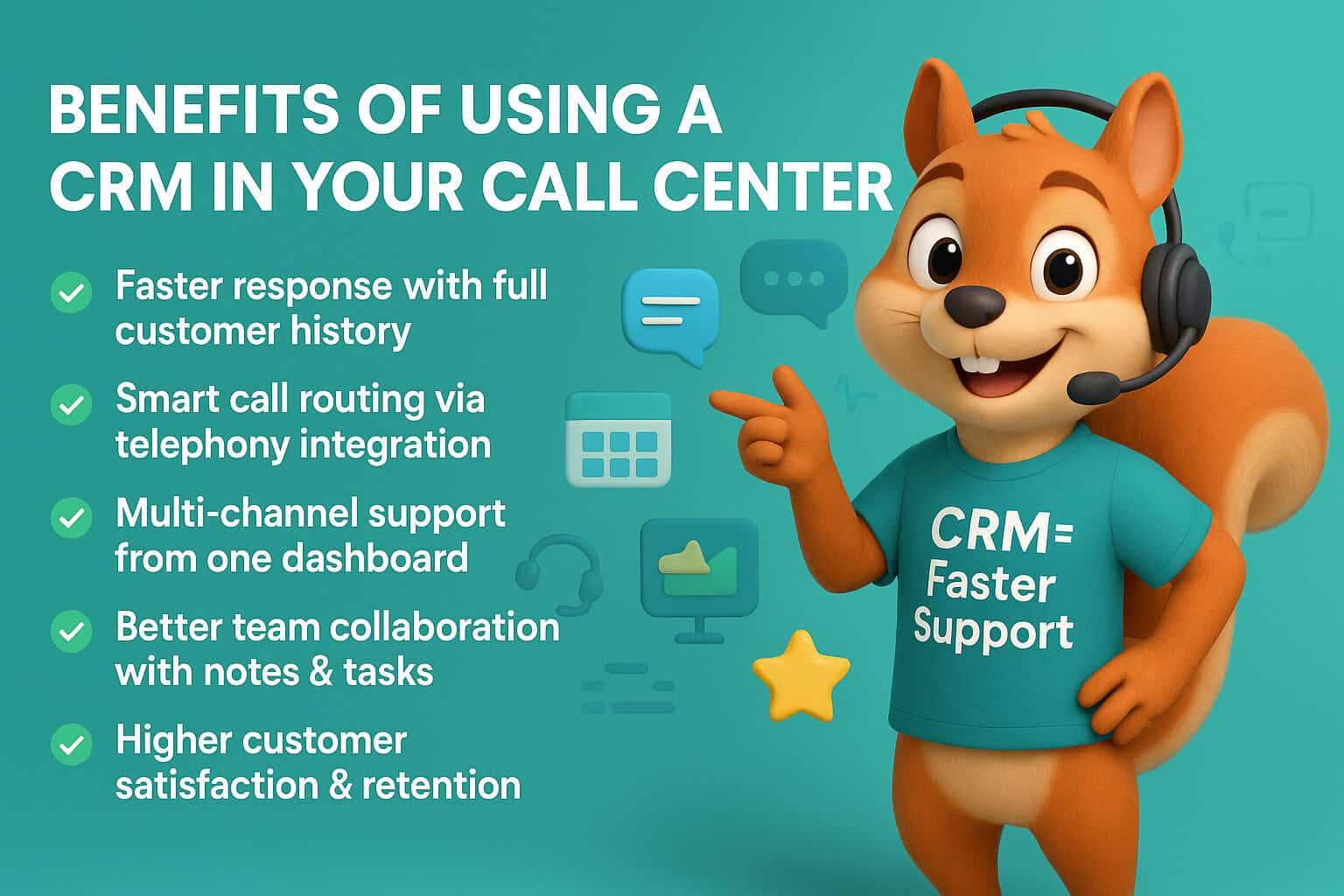
Call logging should attach each conversation to the correct contact, company, deal, or support ticket. Agents should be able to see the latest interaction before picking up the phone or making an outbound call.
A complete history reduces repetition for the customer and makes agent handovers much smoother.
Telephony, Dialer, and VoIP Integration
Your CRM should connect cleanly with your phone system. Depending on your call center, you may need click-to-call, automatic call logging, call recordings, caller pop-ups, call disposition codes, transfers, call queues, IVR, and power or predictive dialing.
Always test the integration with your existing or planned call platform before making a final decision.
Lead and Case Routing
Inbound calls and web leads should reach the right agent quickly. Routing can be based on location, language, customer type, product, account owner, agent availability, skill, or lead source.
Poor routing wastes agent time and creates a frustrating customer experience.
Follow-Up Automation
A call should not end without a defined next step. Your CRM should create tasks, reminders, email follow-ups, or escalation actions based on call outcomes.
For example, an agent can select “Requested Quote,” and the CRM can automatically create a proposal task, assign the opportunity to a salesperson, and schedule a follow-up call for two days later.
Reporting and Quality Management
Managers need more than call counts. A useful CRM should help measure lead conversion, deal velocity, call outcomes, response times, activity completion, customer satisfaction, ticket resolution, and agent productivity.
Call recordings and transcripts may be managed through the CRM’s telephony integration or a separate contact-center system, depending on the platform.
1. Pipedrive: Best CRM for Outbound Sales Call Centers
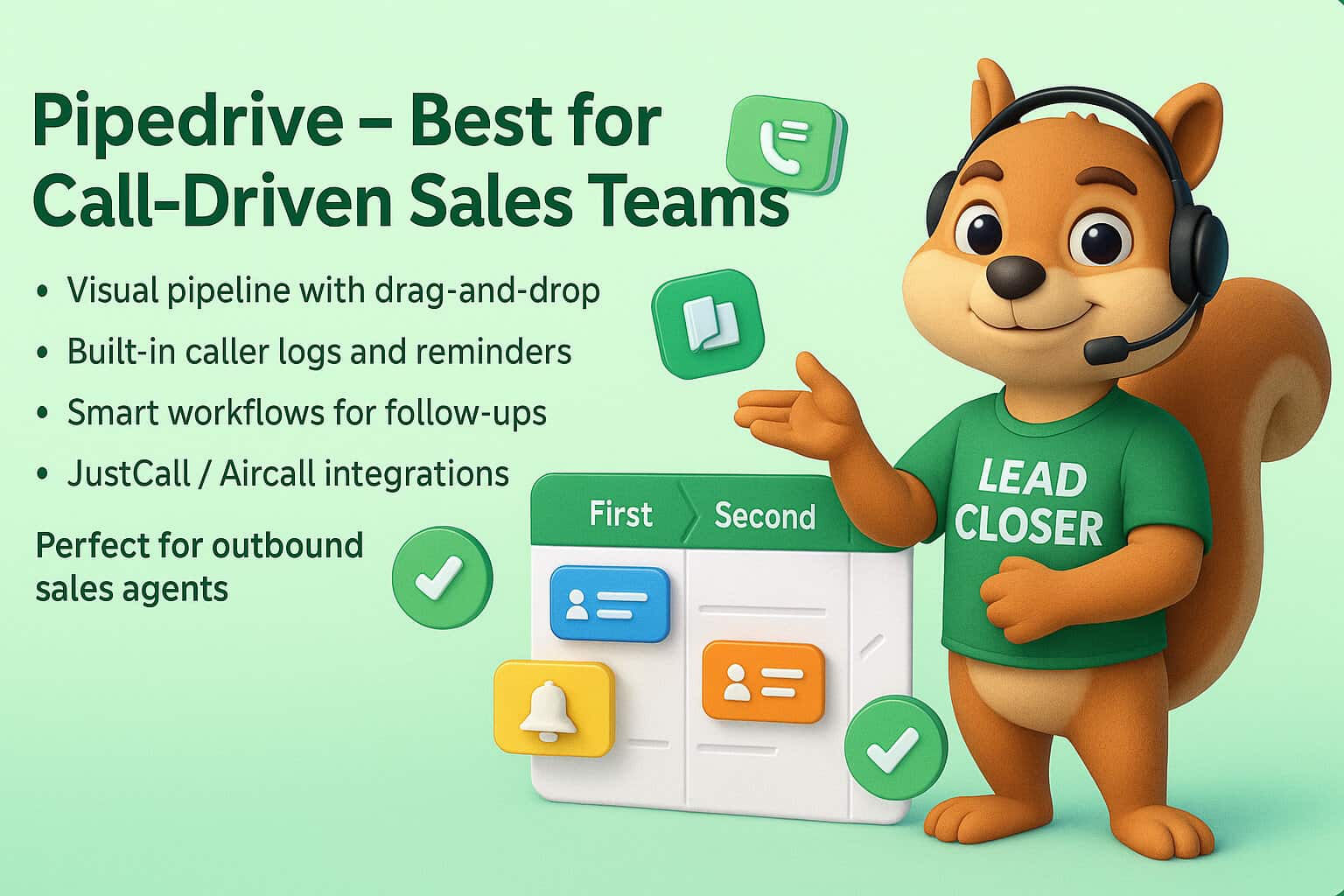
Pipedrive is one of the best CRM choices for outbound sales call centers, lead-generation teams, appointment setters, B2B sales teams, real estate agents, insurance brokers, recruitment firms, and service businesses.
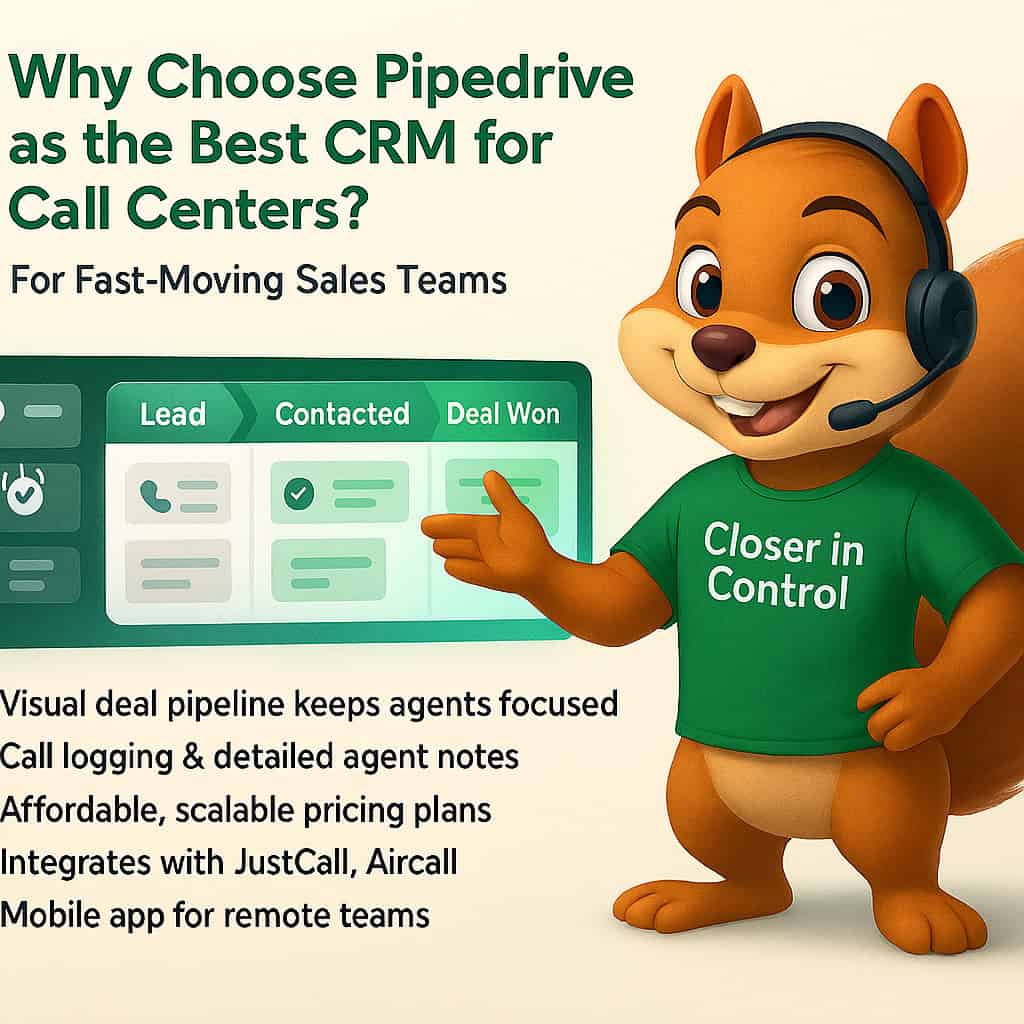
Its biggest strength is its visual sales pipeline. Agents and managers can see every deal, current stage, value, next activity, owner, and overdue follow-up in one focused sales workspace.
Key Pipedrive Features for Call Centers
Pipedrive helps call-focused sales teams keep conversations connected to opportunities and follow-up actions. Its activity-based approach is particularly useful when agents need to make calls consistently and progress leads through a defined process.
Useful features include:
- Visual pipelines for leads and deals.
- Call and activity tracking.
- Custom activity types and call outcomes.
- Email sync, templates, and sequences.
- Task and follow-up reminders.
- Automated workflow actions.
- Lead routing and assignment.
- Custom fields for qualification data.
- Sales forecasting and activity reporting.
- Mobile apps for remote sales teams.
- Integrations with calling and VoIP tools.
Pipedrive supports more than 500 integrations, helping businesses connect phone, lead-generation, email, scheduling, document, and workflow tools. Explore Pipedrive’s current CRM capabilities.
Pros of Pipedrive
Pipedrive is popular because it keeps the sales team focused on revenue-generating work instead of overwhelming users with a large enterprise interface.
Its main advantages are:
- Easy for agents and sales reps to learn.
- Excellent pipeline and follow-up visibility.
- Strong fit for outbound calling and lead conversion.
- Flexible custom fields and stages.
- Good sales automation at a reasonable cost.
- Useful reporting for activities, deals, and forecasts.
- Broad call-center and VoIP integration options.
Limitations of Pipedrive
Pipedrive is sales-first rather than a full native contact-center platform. If your business needs advanced IVR, complex omnichannel ticketing, workforce management, QA scorecards, and sophisticated skills-based routing, you may need to connect it with a dedicated phone system or consider Zendesk or Salesforce.
Pipedrive Pricing
Pipedrive’s annual-billing plans currently start from approximately $14 per user per month for Lite, with Growth at around $39, Premium at around $59, and Ultimate at around $79 per user per month. Prices, taxes, add-ons, and regional offers can change, so check the live Pipedrive pricing page before purchasing.
Best For
Pipedrive is best for call centers where the primary goal is booking appointments, qualifying leads, sending proposals, and closing deals.
If you need a sales pipeline, call-outcome process, automation, and reporting designed around your business, CRM Squirrel’s Pipedrive setup service can help create a practical call-center workflow.
2. HubSpot: Best for Inbound Call Centers and Marketing-Led Teams
HubSpot is a strong choice for inbound call centers that need sales, marketing, customer service, website forms, email campaigns, live chat, and customer data in one connected platform.
It is particularly useful for businesses that generate calls through content marketing, paid campaigns, landing pages, chat, social media, and website enquiries.
Key HubSpot Features for Call Centers
HubSpot’s Sales Hub and Service Hub can support call teams that need stronger context around where leads came from and how they engaged before the call.
Relevant features include:
- Contact, company, deal, and ticket records.
- Call logging and calling tools.
- Meeting scheduling.
- Lead routing and automation.
- Email tracking and templates.
- Sales sequences.
- Live chat and chatbots.
- Ticketing and knowledge-base tools.
- Marketing forms and landing pages.
- Pipeline and lifecycle reporting.
- Integrations with cloud-phone platforms.
Pros of HubSpot
HubSpot is most valuable when marketing, sales, and customer-service teams need to work from a shared customer record.
Its main advantages are:
- Free CRM option for up to two users.
- Strong inbound lead capture and marketing tools.
- Connected sales, service, and marketing ecosystem.
- Powerful automation at higher tiers.
- Useful ticketing and knowledge-base tools.
- Extensive app marketplace and integration options.
Limitations of HubSpot
HubSpot can become expensive as your business adds Sales Hub, Marketing Hub, Service Hub, advanced automation, extra marketing contacts, and additional seats. It is also broader than many small outbound call teams need.
HubSpot Pricing
HubSpot offers free CRM tools for up to two users. Paid Sales Hub plans currently start at approximately $20 per seat per month for Starter, $100 per seat per month for Professional, and $150 per seat per month for Enterprise on annual billing. Professional and Enterprise plans can also include one-time onboarding costs.
Best For
HubSpot is best for inbound sales and customer-service call centers that need marketing, customer support, lead nurturing, and CRM data in one ecosystem.
3. Freshsales: Best Value CRM With Built-In Calling Features
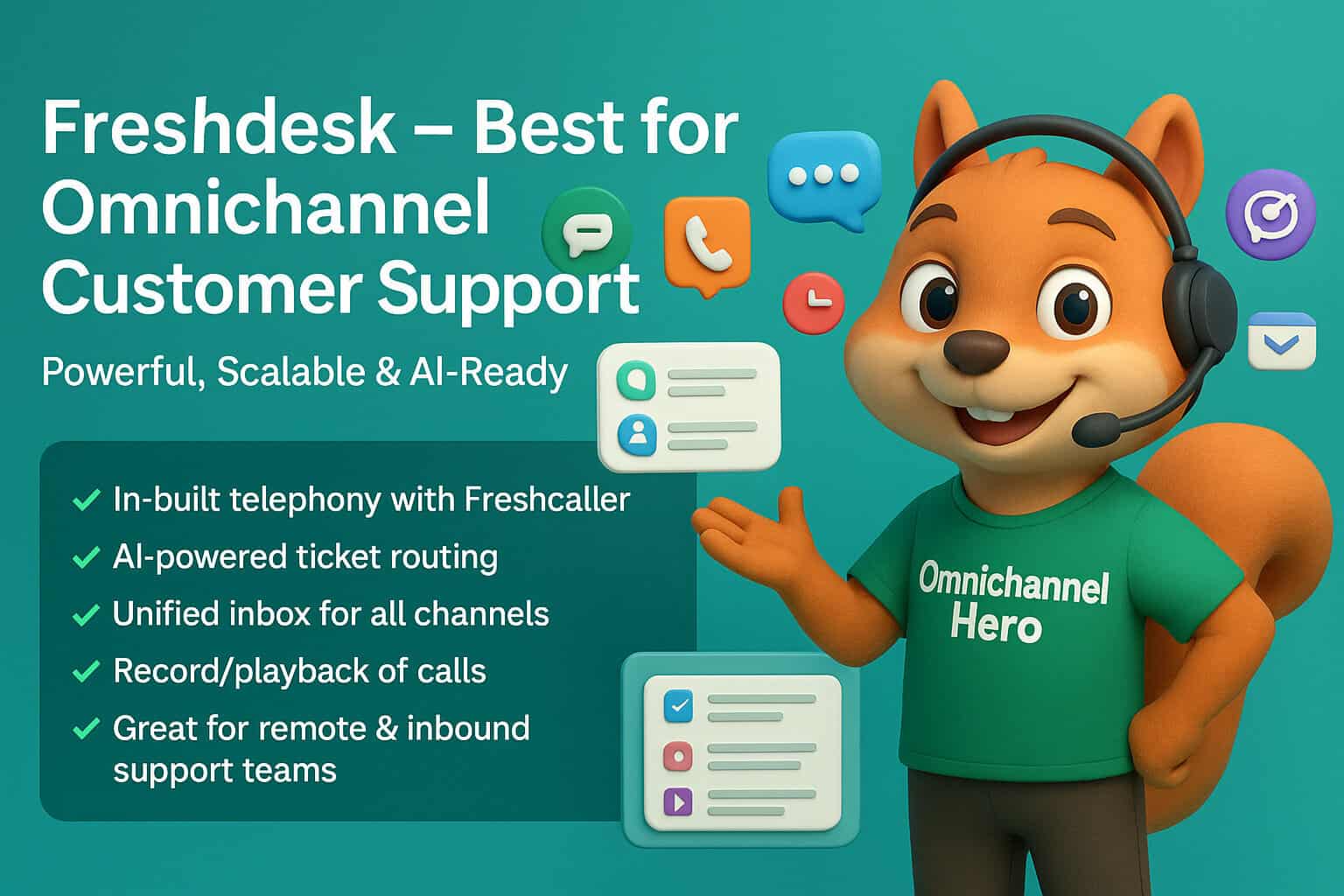
Freshsales is a practical CRM for growing call centers that want sales tools, customer communication, automation, and phone capabilities without the complexity of a large enterprise platform.
It is part of the Freshworks ecosystem, which can be useful for businesses that also need Freshdesk for service tickets or Freshcaller for cloud telephony.
Key Freshsales Features for Call Centers
Freshsales gives agents a centralized place to work with leads, contacts, deals, calls, emails, and follow-up tasks. Its phone capabilities make it attractive for teams that do not want to rely entirely on separate sales and calling systems.
Useful features include:
- Built-in chat, email, and phone support on relevant plans.
- Contact lifecycle stages.
- Kanban-style deal views.
- Call logging and notes.
- Custom fields.
- Basic and advanced workflows.
- Email templates and tracking.
- Lead scoring.
- Sales reports and dashboards.
- Freshworks ecosystem connections.
Freshsales’ official plan information lists chat, email, phone, custom fields, and basic workflows in its Growth offering.
Pros of Freshsales
Freshsales offers a good balance between affordability and call-focused sales functionality.
Its main advantages are:
- Low starting price.
- Phone, email, and chat capabilities.
- Clean interface for sales teams.
- Strong option for Freshworks users.
- Useful automation and lead-management features.
- Good fit for small and mid-sized call teams.
Limitations of Freshsales
Freshsales may not provide the same depth of sales ecosystem as HubSpot or the customization depth of Salesforce. For advanced enterprise call-center operations, you may still need Freshcaller, Freshdesk, or other connected products.
Freshsales Pricing
Freshsales currently starts at around $9 per user per month when billed annually for Growth. Higher plans add more advanced sales, automation, and AI capabilities.
Best For
Freshsales is best for cost-conscious sales call centers that need built-in communication capabilities and want to grow within the Freshworks ecosystem.
4. Zoho CRM: Best for Customizable Call Center Workflows
Zoho CRM is a flexible option for call centers that need custom workflows, fields, modules, dashboards, and connections to broader business tools such as Zoho Desk, Zoho Voice, Zoho Campaigns, Zoho Books, and Zoho Analytics.
It is a good fit for businesses that want a customizable CRM without moving immediately to Salesforce-level enterprise costs.
Key Zoho CRM Features for Call Centers
Zoho CRM can be configured for sales, support, account management, and service operations. Its wider ecosystem is especially useful for businesses that want connected apps instead of several unrelated software subscriptions.
Relevant features include:
- Lead, contact, account, and deal management.
- Workflow automation.
- Custom modules and fields.
- Call logging and telephony integrations.
- Sales forecasting.
- Blueprint process controls.
- Analytics and dashboards.
- Mobile CRM access.
- AI capabilities through Zia on applicable plans.
- Integration with Zoho Desk and Zoho Voice.
Pros of Zoho CRM
Zoho’s strength is flexibility. A business can build a tailored workflow for call outcomes, lead qualification, ticket escalation, renewal calls, or account-management processes.
Its main advantages are:
- Free edition for up to three users.
- Strong customization capabilities.
- Broad Zoho business-app ecosystem.
- Good value for growing businesses.
- Useful automation and reporting options.
- Flexible connections to service and voice tools.
Limitations of Zoho CRM
Zoho CRM can take longer to configure than Pipedrive or Freshsales. Without a clear process design, the system can become inconsistent and difficult for agents to adopt.
Zoho CRM Pricing
Zoho CRM offers a free edition for up to three users. Paid plans start from approximately $14 per user per month on annual billing, with higher tiers adding more automation, customization, AI, and enterprise controls.
Best For
Zoho CRM is best for call centers that need a customized workflow and want to connect CRM data with service, finance, marketing, analytics, or other Zoho applications.

5. Salesforce: Best Enterprise CRM for Large Contact Centers
Salesforce is one of the strongest enterprise options for large call centers, complex customer-service operations, regulated industries, and businesses that need deep integrations, advanced permissions, detailed reporting, and highly customized workflows.
Salesforce is not the fastest platform to deploy, but it offers significant scale for organizations that have the budget, internal operations team, and implementation support to use it properly.
Key Salesforce Features for Call Centers
Salesforce can support sales, customer service, marketing, ecommerce, and AI-supported workflows across large organizations. Salesforce Service Cloud is particularly relevant for support-heavy contact centers.
Relevant capabilities include:
- Unified customer records.
- Case and ticket management.
- Omnichannel routing.
- Knowledge-base tools.
- Advanced workflow automation.
- Customer service dashboards.
- Custom objects and data models.
- Advanced security and permissions.
- API and enterprise integrations.
- AI-supported service and sales workflows.
- Large-scale reporting and analytics.
Pros of Salesforce
Salesforce is a strong option when a call center needs enterprise-grade flexibility and governance.
Its main advantages are:
- Highly customizable platform.
- Strong fit for large, complex organizations.
- Advanced integrations and API capabilities.
- Deep reporting and dashboard options.
- Sales and service tools in one ecosystem.
- Scales across departments, regions, and large teams.
Limitations of Salesforce
Salesforce requires planning, implementation expertise, ongoing administration, and training. It can be expensive for smaller teams, especially once service, marketing, data, AI, and integration requirements are included.
Salesforce Pricing
Salesforce pricing varies by product, edition, contract, and required add-ons. Entry-level CRM and service offerings may start from around $25 per user per month, but serious contact-center deployments often require higher plans, implementation work, and additional products.
Best For
Salesforce is best for enterprise contact centers, financial services, healthcare organizations, telecoms, large ecommerce brands, and businesses with complex service processes and integration requirements.
6. Zendesk: Best CRM-Style Platform for Customer Support Call Centers
Zendesk is best known as a customer-service and support platform rather than a traditional sales CRM. It is an excellent option for inbound support call centers that need ticketing, phone support, live chat, knowledge bases, AI assistance, and omnichannel customer service.
Zendesk should be considered when your call center’s main purpose is resolving customer issues, not managing a long sales pipeline.
Key Zendesk Features for Call Centers
Zendesk gives support agents customer context across calls, tickets, messaging, email, and help-center interactions. Its voice and contact-center capabilities can support businesses that need more than a basic phone integration.
Relevant features include:
- Ticketing and customer-history records.
- Omnichannel conversations.
- Telephony and voice support.
- IVR phone trees on applicable plans.
- Skills-based routing.
- Call monitoring, recordings, and reporting options.
- Knowledge-base and self-service tools.
- AI agents and agent-assistance features.
- SLA management.
- Customer support analytics.
Zendesk’s Suite plans include customer context, routing, ticketing, automation, messaging, telephony, and higher-tier voice capabilities such as IVR and skills-based routing.
Pros of Zendesk
Zendesk is one of the strongest choices for service-led contact centers.
Its main advantages are:
- Excellent ticketing and support workflows.
- Strong omnichannel customer-service tools.
- Native voice and telephony options.
- Useful knowledge-base and self-service features.
- AI and automation capabilities.
- Good fit for customer support at scale.
Limitations of Zendesk
Zendesk is not the best standalone option for a sales-led outbound call center. Businesses with complex prospecting, deal stages, proposal follow-ups, and sales forecasting may need a separate sales CRM such as Pipedrive, HubSpot, Zoho, or Salesforce.
Zendesk Pricing
Zendesk Support Team starts at approximately $19 per agent per month when billed annually. Suite Team starts at around $55 per agent per month, while Suite Professional starts at around $115 per agent per month. Zendesk Contact Center starts from approximately $83 per agent per month, typically in addition to the base Suite plan and usage charges.
Best For
Zendesk is best for inbound customer-service call centers, ecommerce support teams, SaaS support teams, and businesses managing high ticket volumes across phone, email, chat, and messaging.
7. Bitrix24: Best Affordable All-in-One Option for Large Teams
Bitrix24 is an all-in-one platform that combines CRM, telephony, internal chat, tasks, projects, contact-center tools, websites, and collaboration features.
It can be attractive for larger teams because its paid plans are generally priced by organization rather than strictly by individual user. This can create better value for call centers with many agents, although the platform has a steeper learning curve than Pipedrive or Freshsales.
Key Bitrix24 Features for Call Centers
Bitrix24 includes CRM, telephony, communication, and collaboration features that can help businesses centralize their call-center operations.
Relevant capabilities include:
- CRM contacts, leads, deals, and pipelines.
- Integrated telephony.
- Call logging and recording options.
- Contact-center channels.
- Call routing and queues.
- Agent communication and internal chat.
- Automation rules.
- Task and project management.
- Sales and activity reports.
- AI-supported tools.
- Website forms and lead capture.
Bitrix24 promotes a call-center solution with CRM, omnichannel support, analytics, AI capabilities, and options for teams of up to 50 users.
Pros of Bitrix24
Bitrix24 can offer strong value for businesses that want CRM, calling, team communication, and internal work management in one platform.
Its main advantages are:
- Broad all-in-one feature set.
- Built-in CRM and telephony options.
- Useful for larger teams.
- Flat-rate pricing structure on many paid plans.
- Collaboration and task-management tools included.
- Free plan available.
Limitations of Bitrix24
The platform can feel cluttered, especially for new users. It usually needs careful setup, defined workflows, and agent training before a call center can use it efficiently.
Bitrix24 Pricing
Bitrix24’s pricing varies by plan, users, region, billing term, and telephony usage. Its call-center solution page promotes functionality for up to 50 users from around $99 per month, while cloud plans may be priced as flat monthly organization subscriptions.
Best For
Bitrix24 is best for larger cost-conscious call centers that want CRM, telephony, collaboration, and workflow tools under one subscription.
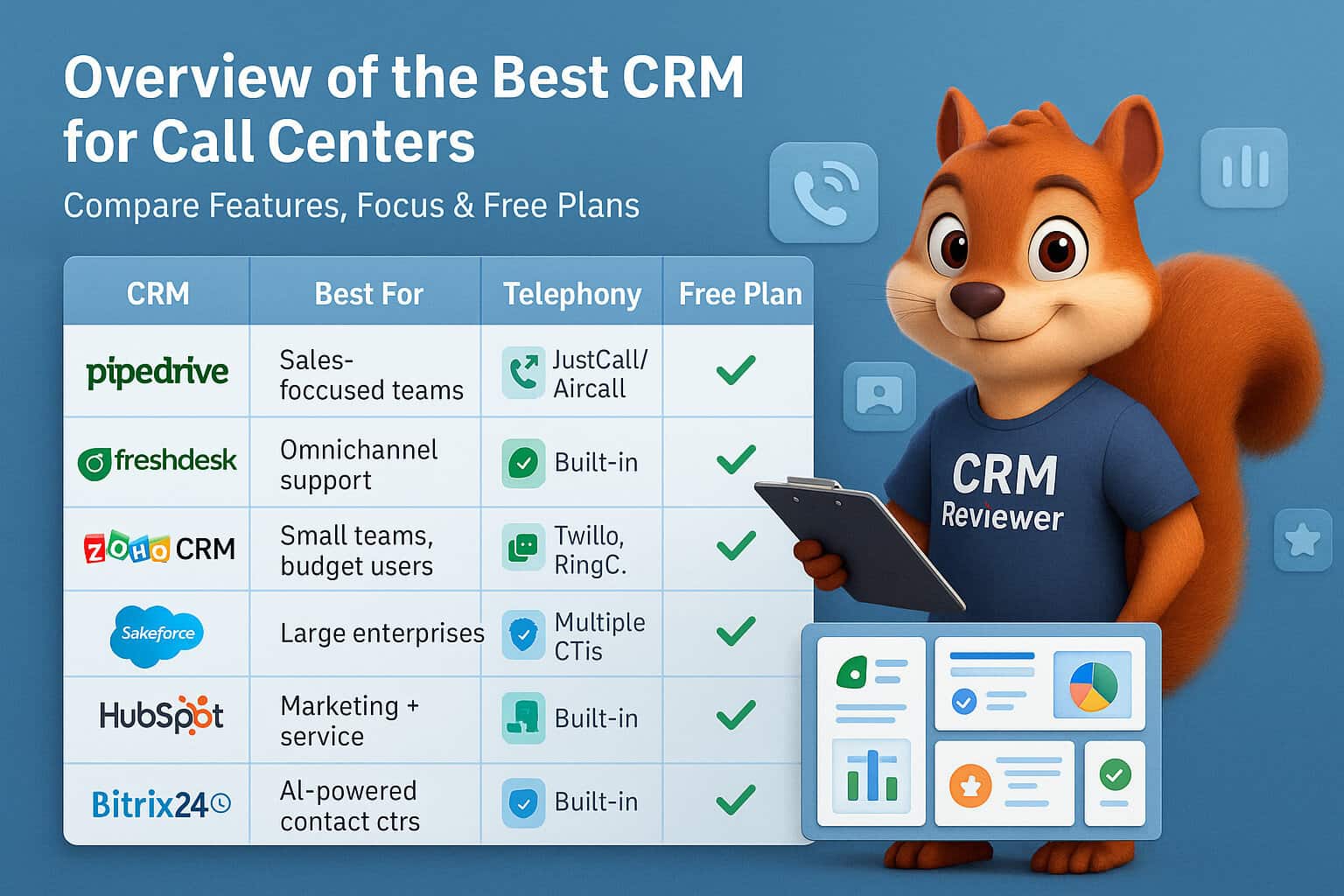
Call Center CRM Comparison Table
The best CRM depends on whether your team is sales-led, support-led, marketing-led, or operating a mixed contact center.
| CRM | Best For | Starting Price* | Core Strength |
|---|---|---|---|
| Pipedrive | Outbound sales and appointment-setting teams | From $14/user/month | Pipeline visibility, activities, follow-ups |
| HubSpot | Inbound sales and marketing-led call centers | Free; paid Sales Hub from $20/user/month | Sales, marketing, and service ecosystem |
| Freshsales | Cost-conscious sales call teams | From $9/user/month | Built-in phone, email, and chat tools |
| Zoho CRM | Custom call-center workflows | Free; paid plans from $14/user/month | Customization and Zoho ecosystem |
| Salesforce | Large enterprise contact centers | From about $25/user/month | Scale, customization, and integrations |
| Zendesk | Customer-support contact centers | From $19/agent/month | Ticketing, omnichannel support, voice |
| Bitrix24 | Larger teams needing an all-in-one system | From around $99/month for call-center use | CRM, telephony, tasks, and collaboration |
*Pricing reflects publicly listed starting prices checked in July 2026. Annual billing, taxes, voice usage, telecom minutes, onboarding, regional pricing, add-ons, and plan requirements can change the final cost.
How to Choose the Right CRM for Your Call Center
A platform that works for an outbound lead-generation agency may be wrong for a 24/7 ecommerce support center. Before selecting software, identify the purpose of your calls and the workflow around them.
Choose based on these questions:
- Is your call center primarily sales, support, or mixed?
- Do you need a full phone system or only CRM integration?
- How many agents need access?
- Do you need IVR, queues, recordings, or skills-based routing?
- Do agents need ticketing, deals, or both?
- Do you need call scripts, outcome codes, and QA processes?
- Which tools must connect with the CRM?
- Do you need marketing automation or only sales follow-up?
- What reports does management need?
- How much internal support can you dedicate to setup and training?
A simple platform that agents use consistently is usually more valuable than a powerful platform that no one updates correctly.
Real-World Example: Outbound Sales Call Center Setup
Imagine a 12-agent lead-generation and appointment-setting company that sells B2B services. Each agent makes outbound calls, qualifies prospects, books meetings, and passes qualified deals to closers.
A suitable Pipedrive setup could include:
- A lead inbox for unqualified records.
- A sales pipeline with stages for Contact Attempted, Connected, Qualified, Meeting Booked, Proposal Sent, Negotiation, Won, and Lost.
- Custom fields for industry, company size, decision-maker role, budget range, current provider, and timeframe.
- Standard call outcomes, such as No Answer, Call Back, Not Interested, Qualified, and Meeting Booked.
- Automatic call-back tasks after missed connections.
- Workflow automation when a lead becomes qualified.
- Dashboards for call activity, meeting bookings, conversion rates, and pipeline value.
- A dedicated lost-reason list to improve call scripts and targeting.
This creates a repeatable process. Agents know what information to collect, managers can see where leads are dropping out, and every qualified prospect moves into a defined next step.
How to Improve Call Center ROI After Choosing a CRM
Buying a CRM will not automatically improve results. ROI comes from the process you build around it.
Start with these practical steps:
- Define the call stages and sales or support workflow.
- Create clear call-outcome codes.
- Require key information after important calls.
- Ensure every open deal or case has a next action.
- Use automation for routine call-backs and assignments.
- Review stale opportunities every week.
- Track lost reasons and common objections.
- Train managers to coach from CRM data.
- Review conversion and service metrics monthly.
- Connect the CRM with the right phone, email, and support tools.
For Pipedrive users, CRM Squirrel can help with Pipedrive marketing automation, API and software integrations, and a CRM structure that supports real call-center operations.

Final Verdict: Which CRM Is Best for Call Centers?
There is no single best CRM for every call center. The right platform depends on what your agents are trying to achieve.
Choose Pipedrive if your call center is focused on outbound sales, lead qualification, appointments, proposals, and follow-up discipline.
Choose HubSpot if your calls are driven by inbound marketing and you need sales, marketing, and service data connected in one place.
Choose Freshsales if you want a lower-cost sales CRM with built-in communication features.
Choose Zoho CRM if you need flexible custom workflows and want to connect with the wider Zoho ecosystem.
Choose Salesforce if you operate a large enterprise contact center with complex integrations and governance requirements.
Choose Zendesk if your main focus is customer support, ticket resolution, omnichannel communication, and service quality.
Choose Bitrix24 if you want an affordable all-in-one CRM, telephony, collaboration, and workflow platform for a larger team.
For many small and mid-sized outbound sales call centers, Pipedrive offers the best balance of usability, pipeline management, automation, reporting, and cost. Start with CRM Squirrel’s exclusive 45-day Pipedrive free trial and build a CRM process that helps your agents call smarter, follow up faster, and close more business.
Frequently Asked Questions
What is the best CRM for an outbound call center?
Pipedrive is one of the best CRM choices for outbound sales call centers because it gives agents a clear visual pipeline, activity reminders, custom call outcomes, follow-up automation, reporting, and integrations with cloud-phone systems.
Can a CRM replace call center software?
Usually, no. A CRM manages customer relationships, deals, contacts, activities, and service records. Dedicated call-center software manages voice routing, IVR, queues, dialers, recordings, and telecom usage. The strongest setup often connects both systems.
Which CRM has built-in calling?
Freshsales offers built-in phone capabilities on relevant plans. HubSpot, Pipedrive, Zoho, Salesforce, Zendesk, and Bitrix24 also support calling through native tools, add-ons, or telephony integrations, depending on the product and plan.
Is Pipedrive good for call centers?
Pipedrive is very good for sales-focused call centers, especially teams handling outbound prospecting, lead qualification, appointment setting, proposals, and deal follow-ups. It is less suitable as a standalone solution for large support contact centers needing advanced IVR, QA, and workforce-management features.
What is the best CRM for customer support call centers?
Zendesk is one of the strongest options for customer-support call centers because it combines ticketing, customer history, omnichannel communication, telephony, knowledge-base tools, automation, and support analytics.
How much does call center CRM software cost?
Costs vary widely. A sales CRM may start from around $9 to $20 per user per month, while advanced support or enterprise contact-center systems can cost $80 or more per agent per month before phone numbers, call minutes, recordings, onboarding, integrations, and implementation costs.


