
Pipedrive Slack Integration: Boost Sales Team Communication

Just imagine: Your sales team has just won a big deal- unfortunately, no one notices it until the day ends.
The thrill dies, the opportunity to come to prominence at once is lost, the possibility to gain momentum is diminished. Sound familiar?
Speed is important in the current competitive world. The Asana Anatomy of Work Index claims that workers are spending almost 60 percent of their time on the so-called work about work, such as browsing between applications, seeking information, and updating status (Asana).
It is a time lost when there is no other time in sales. This is where Pipedrive Slack integration comes in. You can integrate your communication hub (Slack) with your CRM (Pipedrive) to get real-time notifications, immediate teamwork, and an automated process.
The result? The team can finish an order in a shorter period, reduce missed chances, and become more productive.
What is Pipedrive Slack Integration?
Pipedrive Slack integration links your CRM (Pipedrive) with Slack, allowing you to receive real-time notifications, search records, and automate deal updates directly in Slack channels.
This is driven by Slack of Pipedrive, which is native and allow:
- Immediately alerted about new offers, closed trades, and changed activity
- Fast search terms with /pipedrive in Slack
- Automatic reminders on staying in line with your team
Why Integrate Pipedrive with Slack?
Since the success of sales is related to inculcating speed and teamwork. P
ipedrive Slack is a powerful way to ensure that your team stays up to date without having to move between applications, speeds up your response and makes sure that relevant updates are never missed.
Top Benefits of Pipedrive Slack Integration
- Centralized Communication: Messages are posted in dedicated Slack channels
- Accelerated Response times: Respond to the changes of leads or updates of deals in time
Better Accountability: The position of the deals is made known to every individual in real time
- Smooth cooperation: There are no problems with the collaboration of the marketing, sales and support teams
Case Study Evidence:
PropriLib, a French real estate agency, scaled its team from 2 to 5 members and improved collaboration after integrating Pipedrive with Slack. Their founder stated:
“Now that Pipedrive and Slack are integrated… agents can see the new customer, all their information and any questions or important notes associated with the deal.”
Source: PropriLib Case Study
Key Features of Pipedrive Slack Integration

This is what you have with this integration:
-
Deal Updates
Send to Slack the creation, updating, winning, or loss of deals
-
Activity Alerts
Receive a reminder of your regular calls, emails, and follow-ups
-
Custom Filters
Select which pipelines or stages of deal to create email notifications
-
Slack search
With /pipedrive use, you can search deals or contacts in Slack
-
Multi-channel Support
Broadcast the alerts to specific Slack channels or DMs
Prepared to Increase Your Sales?
Register for your free trial of Pipedrive and integrate your Pipedrive with Slack.
How to Set Up Pipedrive Slack Integration
Apply the Pipedrive Marketplace or use Zapier to perform the engaging workflows.
1. Install on Pipedrive Marketplace
- Visit Tools and Apps Marketplace
- Find Slack
- Click Install Now
- Permit Slack and Pipedrive integration
2. Configure Notifications
- Choose the Slack channel of notifications
- Select events to watch:
- New negotiation
- Deals won or lost
- Activities progress reports
3. Integration tests
- Make a test deal with Pipedrive
- To see whether Slack is getting the alert
Real Use Cases: How Teams Benefit from Pipedrive + Slack
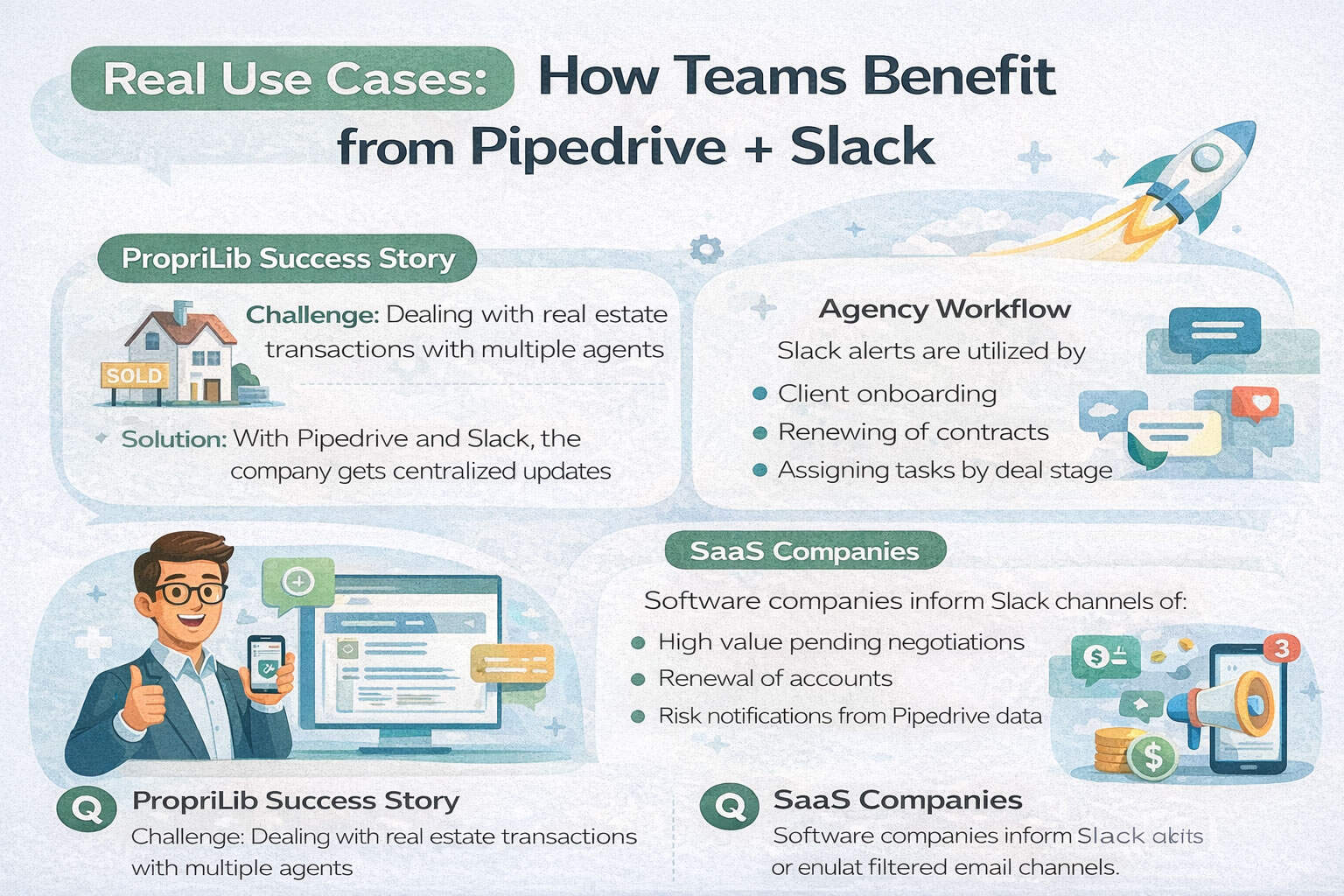
PropriLib Success Story
- Challenge: Dealing with real estate transactions with multiple agents
- Solution: With the help of Drive and Slack, you can get centralized updates
- Outcome: Collaboration is efficient faster and team growth is increased to 5 members
Agency Workflow
Slack alerts are utilised by marketing agencies:
- Client onboarding
- Renewing of contracts
- Assigning tasks by deal stage
SaaS Companies
Software companies inform Slack channels of:
- Deals of high value pending negotiations
- Renewal of accounts
- Risk notification from Pipedrive data
Best Practices to Maximize Your Pipedrive Slack Integration

Want to maximize what you can achieve with your Pipedrive and Slack integration?
And learn how to avoid some of the most frequent mistakes? Just check out our best practices!
Establish Special Channels
Centralize notifications about deals by using particular Slack channels such as sales-updates or crm-alerts.
This maintains warning systems neat and even to observe without stuffing general chat.
Smart Filters Use
Only limit notifications to the team members of interest, critical stages of the deal, or high-value deals.
Filtering lowers noise and guarantees that your staff focuses on the most crucial updates.
Frequency of control Alert
You do not want to get your team burned out in notifications, so set limits to the frequency of notifications.
Smaller and weightier notifications will avoid Slack exhaustion and keep a person engaged.
Promote Threaded Conversations
Ask subordinates to respond to alert messages in threads.
Did you know that threading helps keep discussions relating to the deal in order and threading does not allow missed follow-ups and misplaced information?
Channel Moderators can be appointed
British UX Research has established moderators to mediate through the Slack channels and make sure that the conversations remain relevant and responsible.
Moderators will also be in a position to set up alert, especially when necessary.
Integrate with Automation & Workflow Tools
Connect Zapier, Make.com or any workflow solution such as Google Sheets, Notion or Trello to improve your sales process.
Assign and track deals, sync or record notes effortlessly.
Keep in mind Why This is important.
As per the findings in the Anatomy of Work Index by Asana, employees waste as much as 60 percent of their time on the so-called work about work, such as context-switching and updating.
The use of Pipedrive + Slack to streamline communication causes less of this inefficiency and thus saves precious time to make real sales.
This approach ensures your team stays focused, informed, and productive while fully leveraging the power of the Pipedrive Slack integration.
Common Issues & How to Fix Them
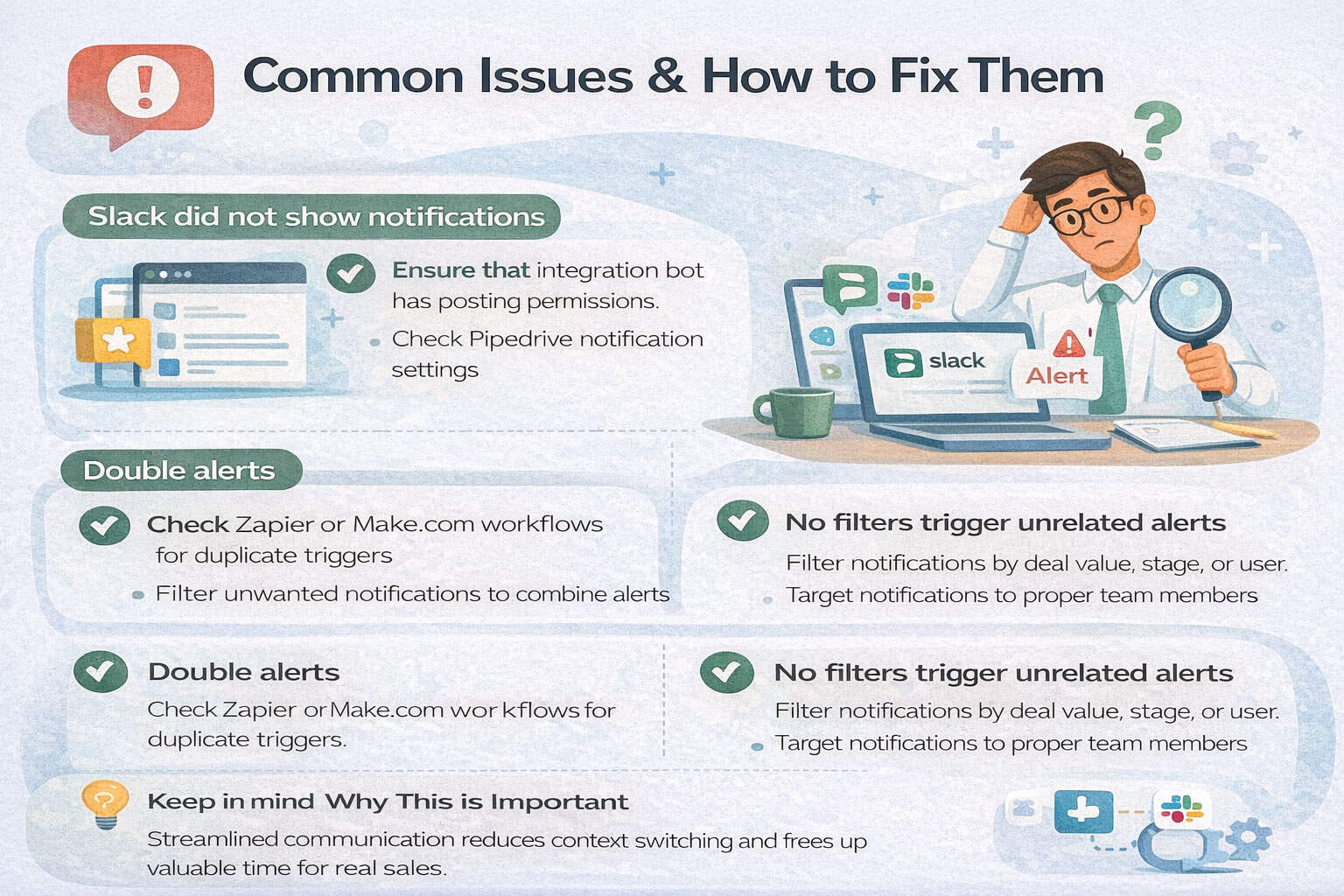
Issue: Slack did not show notifications
How to fix Slack did not show notifications issue:
- Ensure that the Pipedrive integration bot is allowed to post to the right Slack channels (particularly the ones that are private).
- Check the Pipedrive notification settings so that the necessary triggers are turned on.
- Re-authenticate the SlackPipedrive connection to correct intermittent glitches.
Issue: Double alerts
how to fix double alert issue:
- See automation workflows in Zapier, Make.com, or similar software to prevent trigger duplication.
- Set filters to filter notifications to only those, of course, venues or offers.
- When possible, combine alerts to avoid overloading of messages.
• Issue: Overtime communication can cause Slack exhaustion
How to fix Overtime communication can cause Slack exhaustion issue:
- Set alerts to high Stages of deals or high-value deal.
- Establish a separate Slack channel per type of alert (e.g. urgent vs general update).
- Promote tuning of the Slack notification settings and enabling Do Not Disturb when it is necessary.
- Use deal value, stage in pipeline, or assigned users filters.
- Target alerts based on the team roles so that you pass pertinent information to the individuals.
Issue: The lack of regard to Slack threads leads to a lack of follow-ups
How to fix The lack of regard to Slack threads leads to a lack of follow-ups:
- Coach the crew to respond in threads of deal alerts so that conversations remain organized.
- Make use of thread reminders on Slack as a way of tracking discussions.
Issue: No backup workflows that risk losing data in case Slack fails
How to fix No backup workflows that risk losing data in case Slack fails issue:
- Always keep a record of deals and activities in Pipedrive as the master source.
- Arrange email alerts on important warnings as an alternative.
- CRM data should be audited regularly to ascertain completeness in spite of Slack notifications.
Who Should Use Pipedrive Slack Integration?
Sales teams, startups, marketing agencies, support teams, and revenue operations teams can all benefit.
Ideal Use Cases:
- Startups needing fast communication without expensive software
- Sales teams managing pipelines across locations
- Agencies juggling multiple client deals
- Customer support teams collaborating with account managers
- Remote teams syncing activity without Zoom calls
Who Should Use Pipedrive Slack Integration?
It can be beneficial to sales teams, startups, marketing agencies, and support and revenue operations teams.
- Small companies that require quick communication but do not have costly programs
- Pipelines run by sales units in a dispersed area
- The agencies that have to balance several deals with clients
- Customer support teams working alongside with the account managers
- Distantly working groups who are synchronizing activity without making Zoom calls
Why Pipedrive Slack Integration Can Be a Game-Changer

The Pipedrive Slack integration is more than just a fancy add-on — it’s a sales enablement powerhouse.
It forms a connection between data and action, changing the way your team responds to each and every deal, lead or change in real time.
- Automate operations
- Agility Mobile Services speeds up response time.
- Enable outside sales staff
- Automate updating CRM activity
In case you combine the use of tools but fail to integrate them, you are leaving money and time on the table.
Are you ready to BOOST your sales team?
Integrate Pipedrive and Slack now.
Such an integration can be the game-changer in terms of team efficiency, deal velocity, and customer experience, whether your business is a startup or one in the scaling stage.
FAQs about Pipedrive Slack Integration

-
Is Pipedrive Slack integration free?
Indeed, Slack can be integrated with Pipedrive at no cost.
-
Will I be able to send direct updates of deals to Slack?
Well, you can share posts in the direct communication or personal channels.
-
Is it possible to search deals in Slack?
Yes, you can use /pipedrive command to find deals or contacts.
-
Is it possible to combine Pipedrive with Slack?
Yes, you can combine them with Pipedrive Marketplace, Zapier or Make.com to create your own custom automation and alerts.
-
What are the notification options that I can receive in Slack on Pipedrive?
You may get in real-time news about the new deals, activity status changes, visualization of the deals won and lost, and user-created filtered alerts.
-
Does Pipedrive rely on direct messages only or on channels?
You are able to set it up to send to public channels, private channels, or to send directly to the team members as DMs.
-
How secure is the Pipedrive Slack integration?
Both of them operate with encrypted APIs. Data permissions should always be reviewed and 2FA can be used to enhance security.
-
Which is better, Zapier or Slack native integration, a Pipedrive?
Native is good in case of basic alerts. In more complex workflows, Zapier or Make.com is more flexible and powerful.
-
Is it possible to stop or silence notifications temporarily?
Yes. To prevent becoming overwhelmed with notifications, use the built-in snooze or Do Not Disturb windows of Slack.