Boost Sales with These 10 Pipedrive Marketing Automation Tips
What if your marketing ruled autonomously, sort of like magic!
Did you ever see those domino performances where a single touch sets hundreds of dominoes falling in flawless sequence?
That’s exactly what Pipedrive marketing automation will enable your company to do.
You set it up once and then! Your emails, follow-ups, and sales come pouring in automatically, without you lifting a finger.
Did you know:
HubSpot estimates that companies that implement marketing automation see 451% growth in qualified leads. That’s 10 leads and converting them into 45 by just having smart systems!
Today, I’m going to teach you 10 simple yet powerful ways you can tap into Pipedrive marketing automation. So that your marketing gets smarter and draws more customers in to you.
Try Pipedrive’s marketing automation today and see just how easy and enjoyable business growth can be!
Watch your sales and leads bloom with Pipedrive’s 45-day free trial.
Why Should You Even Bother with Marketing Automation?

Alright, first things first, what is marketing automation, exactly?
Think of it as a robot friend (but an extremely smart one) that never tires, never forgets, and does all the boring work for you.
Marketing automation is a machine gun that shoots out emails, reminder tasks, pushes deals along, and interacts with customers without you doing it manually.
Key advantages:
- Boost lead conversion rates
- Shorten sales cycles
- Deliver consistent communication
- Track customer interaction in real-time
- Enable your sales and marketing staff to accomplish more value-added activities
And then, Pipedrive is the playground where your robot friend plays.
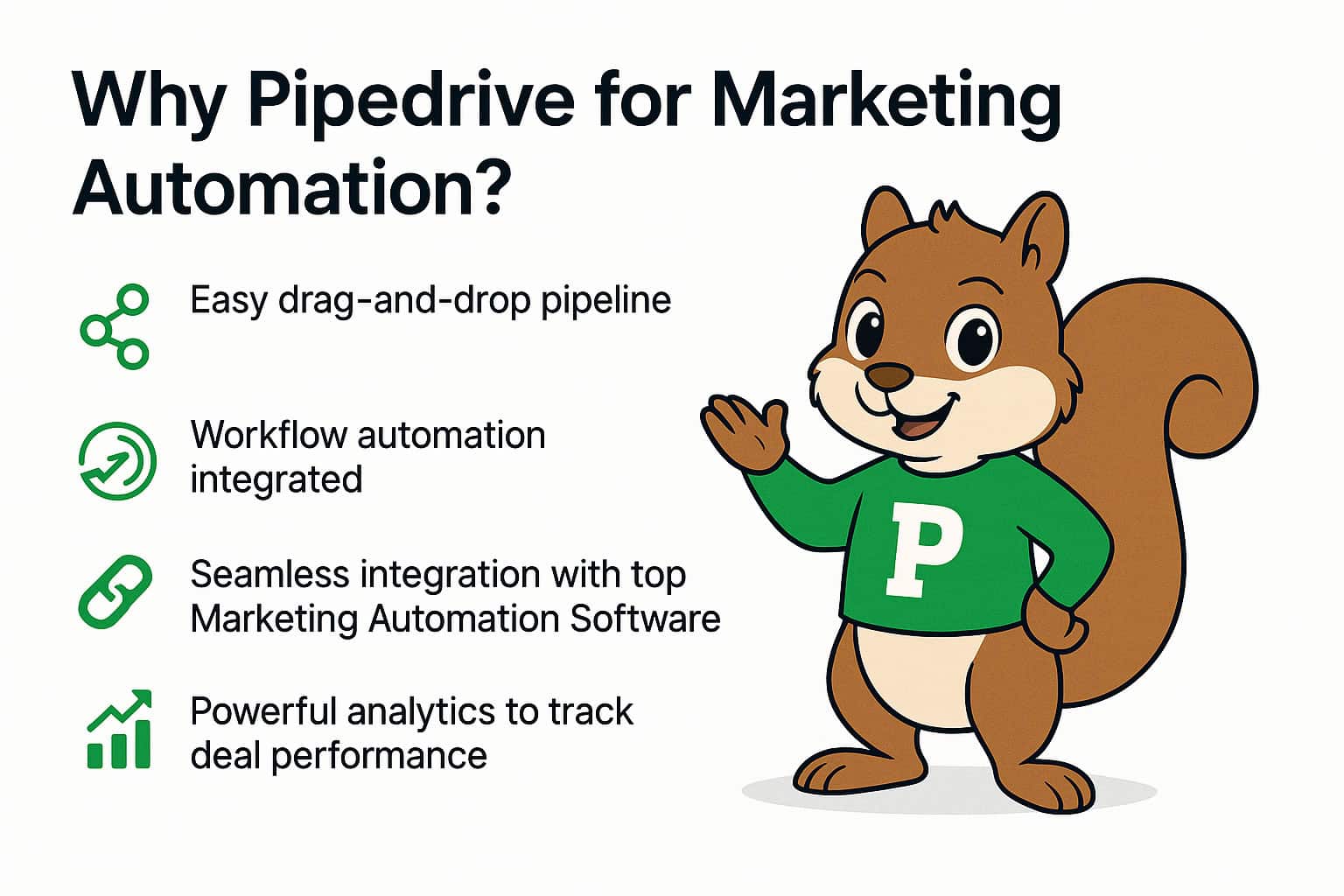
Why Pipedrive for Marketing Automation?
Pipedrive Marketing Automation isn’t nice-to-have. It’s a superpower that makes saving time opening up your sales and getting your customers to love you even more. It’s a highly effective end-to-end solution.
If you’re running automated email campaigns or integrating tools like Mailchimp, Autopilot, or Outfunnel, Pipedrive offers full visibility into the entire funnel.
The best part?
You don’t have to be a computer genius to get it up and running.
So do it — give it a go, and turn your sloppy marketing into a silky, magic machine!
Highlights:
- Easy drag-and-drop pipeline
- Workflow automation integrated
- Seamless integration with top Marketing Automation Software
- Powerful analytics to track deal performance
- Custom fields, filters, and segmentation
According to Pipedrive’s own studies, companies employing automation log 30% more conversions on average.
It’s a CRM (Customer Relationship Management) tool that lets you see your entire customers, emails, deals, and tasks. All is in one happy spot.
With Pipedrive and marketing automation combined, you’ve got a match made in heaven that can:
- Send an automated email to someone who just subscribed
- Remind you to call on a hot lead before it gets cold
- Mark the deals as “Won” when a customer makes a purchase
- Same page, automatically
Did you know?
By automating their leads, companies get a 10%+ revenue increase after 6 months! (Source: Forrester Research).
Pipedrive Marketing Automation Ways to Run Smarter Campaigns
If you’re tired of drowning in emails, follow-ups, and lead management alone, Pipedrive marketing automation is your fairy wand.
1. Send a “Welcome” Email as Soon as Someone Signs Up
Imagine you enter a bakery; you say hi to the baker. But he just stares at you.
Strange, huh?
Then imagine you enter another bakery, and the baker greets you:
“Hi! Welcome! Fresh cookies from the oven. Come on in!”
Doesn’t feel so good, does it??
That’s why sending a welcome email immediately when someone signs up is SUPER important.
With Pipedrive marketing automation, when someone fills out your form, a warm, friendly welcome email comes into their inbox instantly.

And it can say:
- “Hi [Name], welcome to the family! This is what we have in store for you.”
- “Thanks for joining us! Happy to have you aboard!”
Why it works
- Statistics show that 75% of people expect a welcome email minutes after they sign up.
- Don’t wait too long, or they’ll forget about you or get bored!
Pro Tip:
You do it once, and all new sign-ups get love automatically. Rather than pushing new leads into your CRM, integrate your Pipedrive with web forms (such as Typeform, Gravity Forms, or Unbounce). When someone completes your form, Pipedrive can:
- Automatically create a contact or deal
- Default to the right pipeline or rep
- Launch an email follow-up sequence
Moral of the story:
Always greet your new friends immediately! It’s the start of a happy, loyal customer.
2. Warm Up Cold Leads with Automated Email Drips
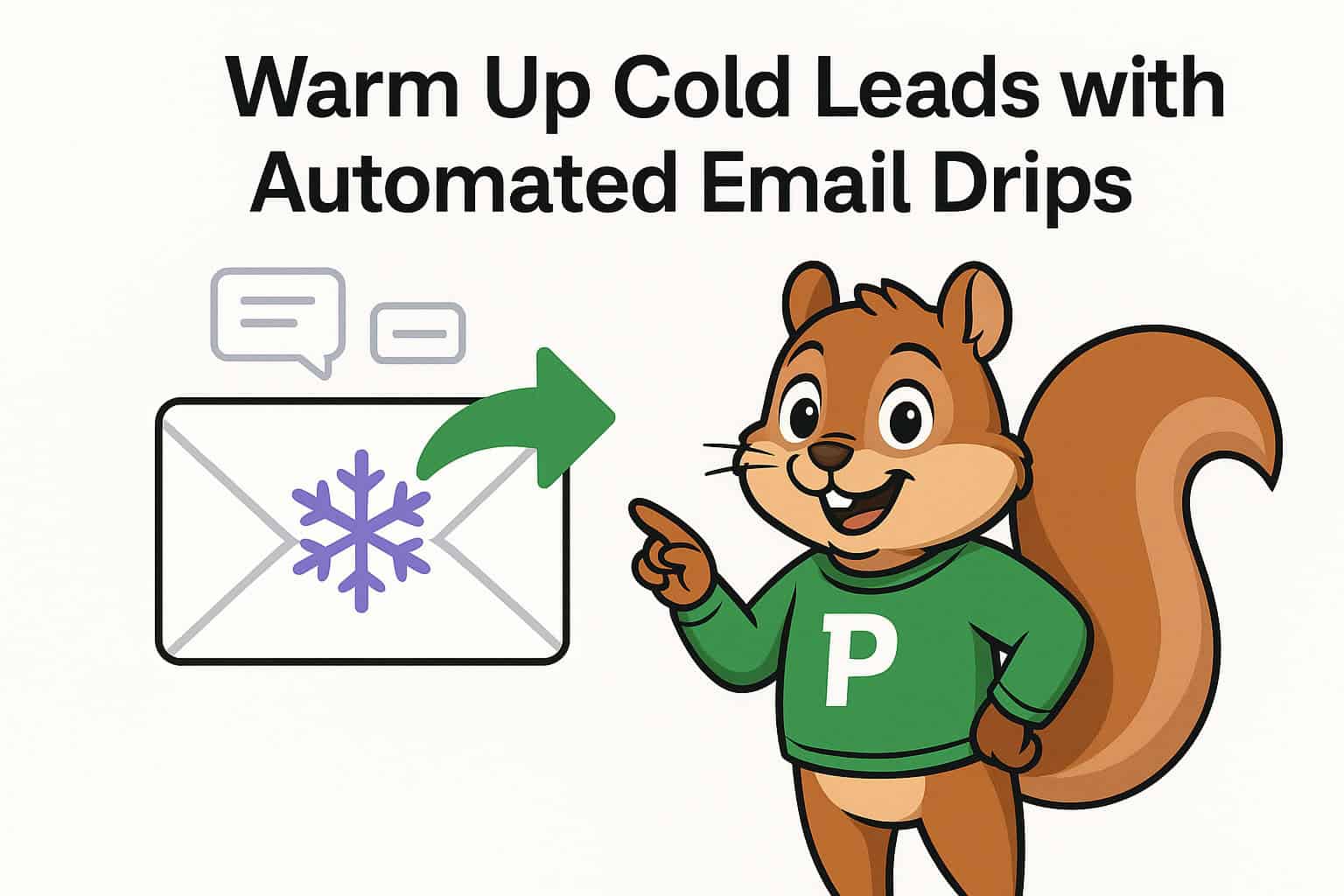
You’ve planted a seed today. Would you expect a flower tomorrow?
No way! You have to water it, place it in the sun, and wait.
Same in business!
Leads are no exception; they require time and nurturing before they “bloom” into customers!
That’s why we have email drip campaigns, friendly, gentle nudges that scream:
- “Hey, still thinking about us?”
- “Here’s something awesome you’ll love!”
- “Check out this success story!”
Example drip campaign:
- Email 1: Send them practical advice they can use immediately (no hard sell!)
- Email 2: Send a success story of another happy customer who got amazing results
- Email 3: Offer them an exclusive present or discount just for them
Pipedrive automation sends these automatically while you sleep.
Tip:
The more useful and considerate your emails (not salesy!), the more you’ll be a trusted lead to your potential buyers.
Don’t allow leads to go cold. Automate with software such as Outfunnel or ActiveCampaign to send lead behavior-based, timely, and targeted emails such as
– If a lead visit your prices page, send an email that is tailored to the use-case
– If a lead doesn’t respond after 3 days, send a reminder
This creates timeliness in your automated marketing campaigns.
Remember:
Sales aren’t always “BUY NOW!” yelling
Sometimes it’s gentle whispering
- “Hello, we’re still here when you’re ready.”
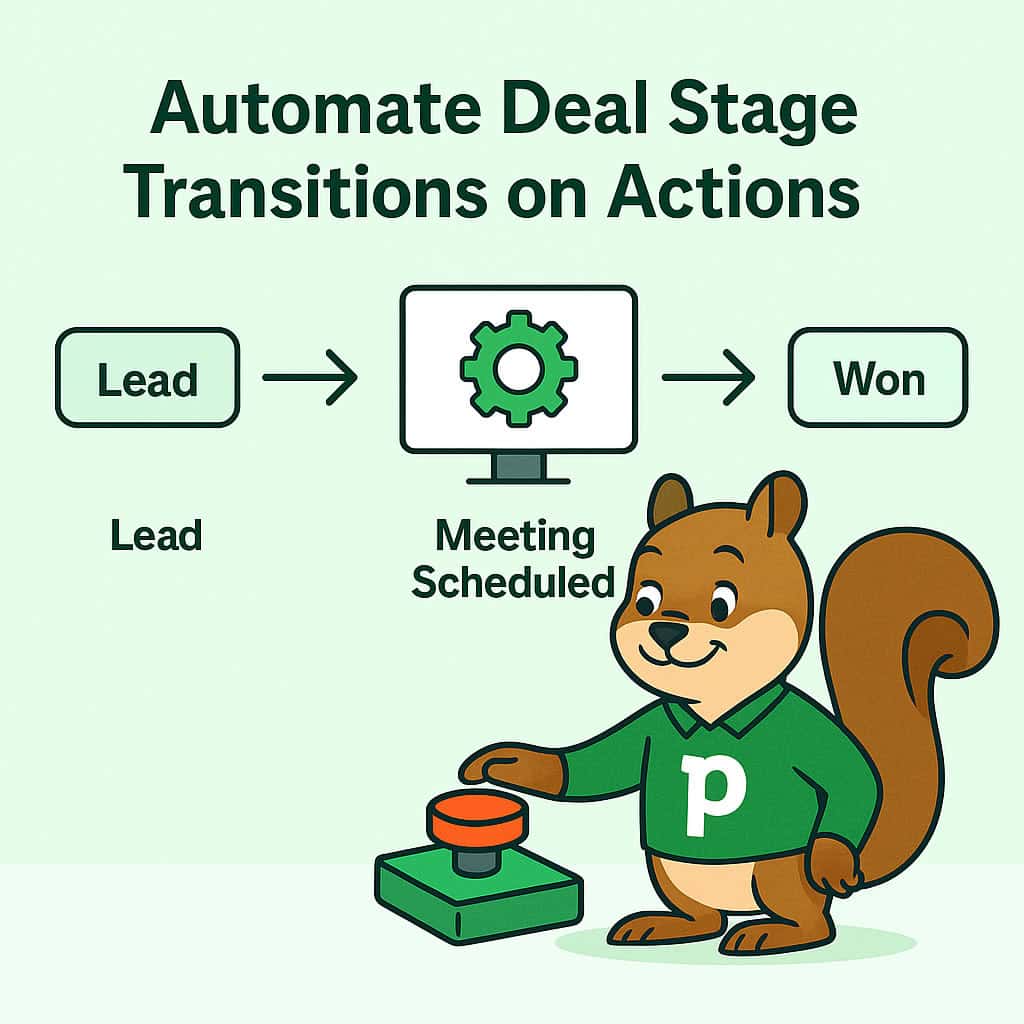
3. Automate Deal Stage Transitions on Actions
Imagine a video game where your character automatically advances when you pick up a coin.
Wouldn’t that be great?
Customers need to advance automatically too, based on what they do.
That’s what Pipedrive automations do to move your leads forward automatically without you having to lift a finger!
With Pipedrive automation:
- If a lead schedules a meeting, it advances their deal automatically to “Meeting Scheduled.”
- If they request a proposal, the deal goes into “Proposal Sent.”
- If they purchase, the deal goes into “Won.”
NO manual dragging, NO sticky notes, NO forgetting!
Why it matters:
- Faster updates
- Less human error
You always know where every lead is, without even lifting a finger!
Pro Tip:
Let the system work while you’re building relationships and closing deals. Not all leads are created equal. Segment contacts in Pipedrive’s custom fields and filters on:
- Industry
- Deal stage
- Lead source
- Purchase intent
Then, send highly targeted messages that talk directly to their needs.
Example: Send separate onboarding emails to retail customers and SaaS leads.
4. Automatically Score Your Leads
You’re at a carnival, and every time you win at a game, you get tickets.
The more tickets you get, the bigger the prize!
That’s lead scoring!
More points = hotter leads!
With Pipedrive, you can create rules like
- +10 points if they open your email
- +20 points if they click on a link in the email
- +50 points if they schedule a call
When a lead scores high, ding ding ding!
Your sales rep receives an alert:
“Hey, this one’s HOT! Call them now!”
Automatically score leads on:
- Email engagement
- Page visits
- Time on site
- Form submissions
Once a lead is at a certain score, route them manually to sales for follow-up. That leaves sales teams to work on only the most engaged leads.
Result:
- You don’t waste time chasing cold leads.
- You work ONLY with the ones who are already enthusiastic!
Tip:
- Sales reps selling to hot leads close deals 35% faster.
- Lead scoring = Your secret sauce to sell smarter, not harder.
5. Automatically Remind Followers-Ups
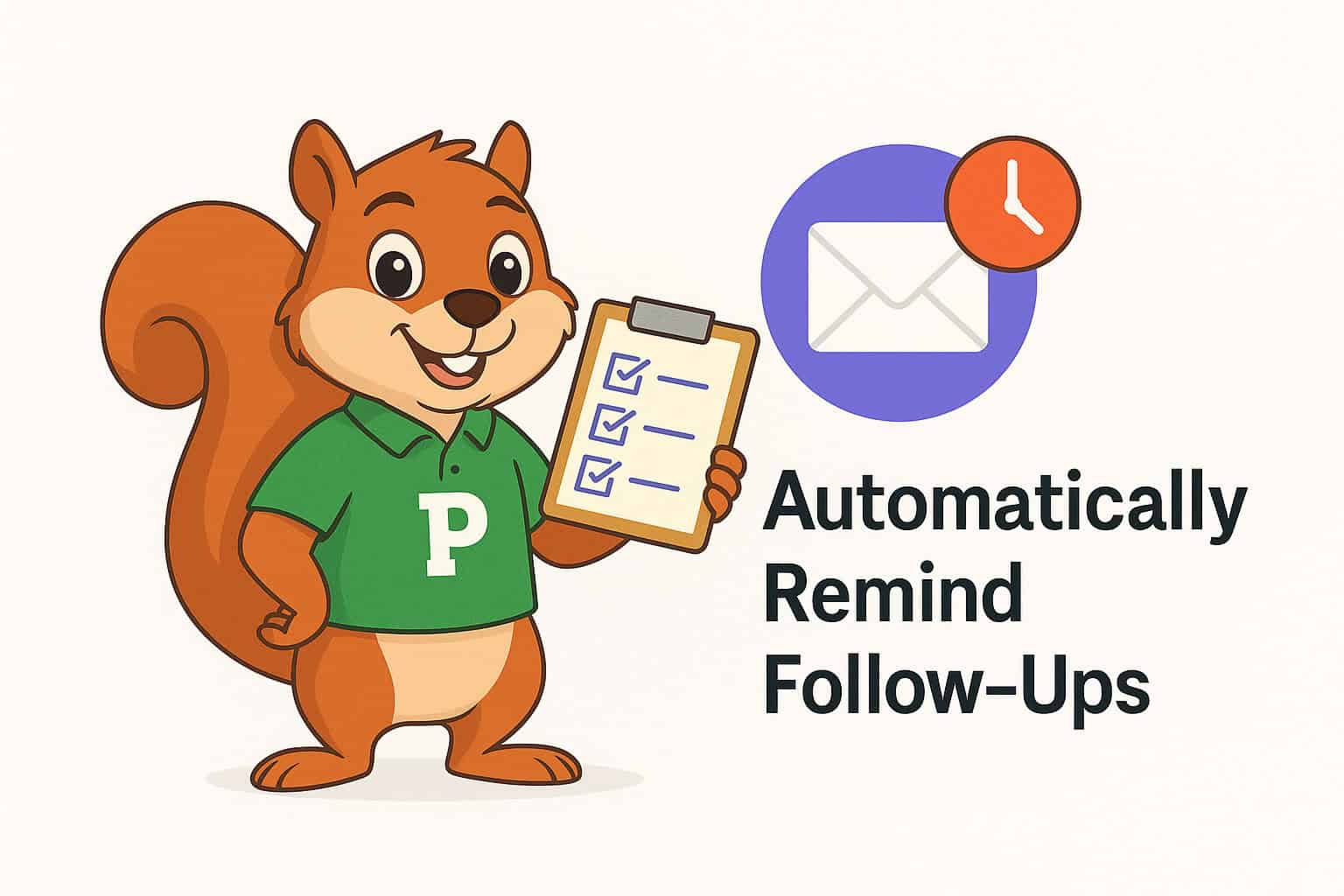
Did you ever set an alarm so you wouldn’t forget your birthday party for your best friend?
You need reminders in sales as well, or you’ll lose an opportunity to assist a buyer!
Forgetting to follow up on a business lead is costing you a sale!
But with Pipedrive, you can:
- Automate follow-up reminders
- Create tasks that show up on your dashboard
- Even send a pre-written friendly email like – “Hi [Name], just checking if you had any questions!”
Why it’s important:
- By research, if you follow up within 5 minutes, you’re 9 times more likely to close the deal.
- But wait too long. The lead gets cold.
Pro Tip:
- Treat your leads like waiting friends for a response.
- Fast responses = happy customers!
Integrations enable you to define rules such as:
- When a contact clicks on a campaign CTA, automatically create a deal in Pipedrive
- Send them to a specific pipeline stage
- Add associated tags (e.g., “high intent”)
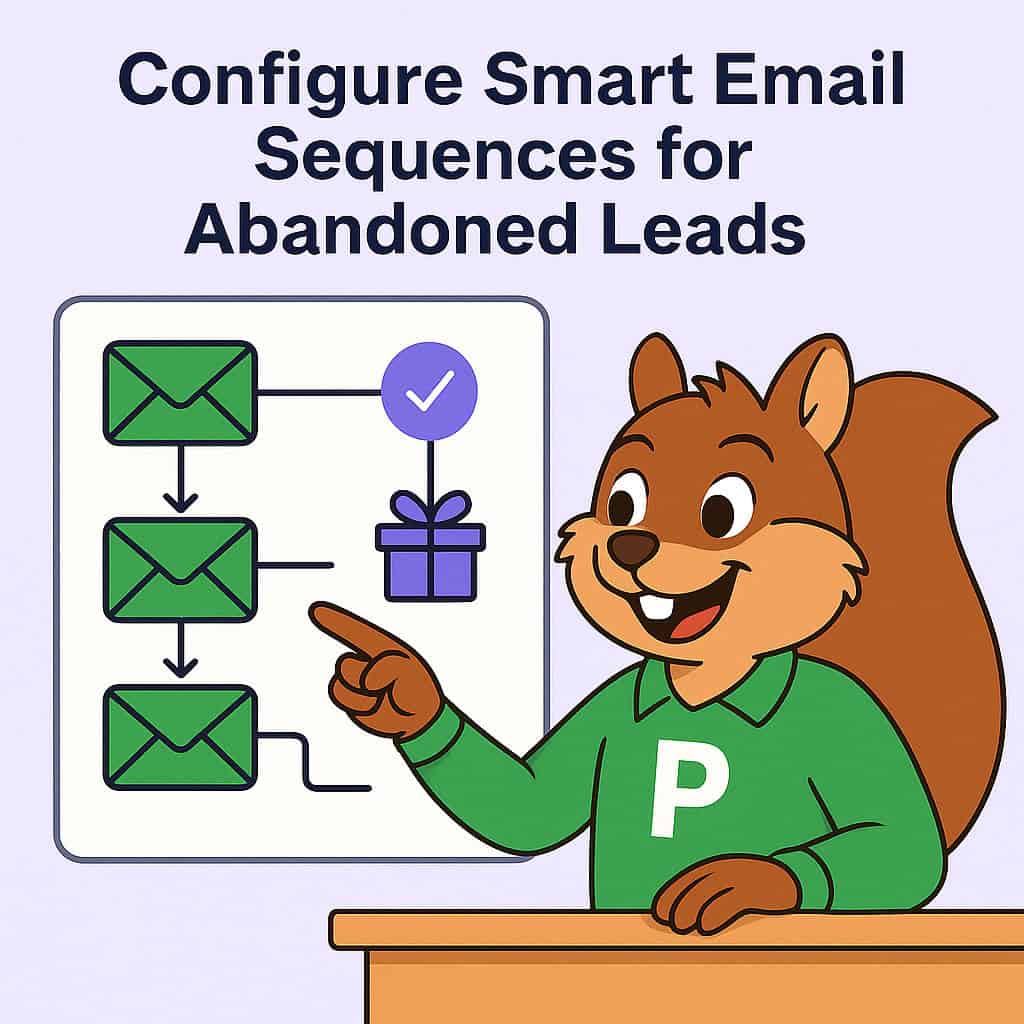
6. Configure Smart Email Sequences for Abandoned Leads
Imagine you’re invited to a birthday party, and a friend didn’t respond. Would you never invite that friend again?
Not at all!
You’d send a follow-up invitation, or text, or even call! Sometimes people ghost you. They were interested and then went away.
Same with leads, don’t give up on them so easily! Don’t worry, it’s something that happens!
Instead of crying over your breakfast cereal, Pipedrive marketing automation can win them back for you.
Here’s how:
- Email 1: “Hi [Name], just checking in — did you still need help?”
- Email 2: Send an valuable resource (e.g., guide, ebook, or case study)
- Email 3: Send a small incentive or freebie to re-ignite interest
You set it up ONCE.
And Pipedrive automatically sends the messages at the right times!
Pro Tip:
Sales statistics reveal that most sales occur between the 5th and 12th follow-up. So don’t give up too soon!
With Pipedrive email marketing integrations like Mailigen or Mailchimp, you can:
- Create welcome sequences
- Distribute gated content downloads
- Share testimonials and success stories
- Reactivate inactive leads with reactivation campaigns
Drip campaigns can be able to deliver 80% more sales at 33% lower cost, as per Campaign Monitor.
Moral of the story:
Persistence pays off. Automated follow-ups make it easy.
7. Automatically Celebrate Small Wins

What if your teacher gave you a gold star for finishing a project?
It’s cool, right?
Customers feel the SAME when you celebrate their small wins too! When something good happens, CELEBRATE IT!
If your customer:
- Books a demo
- Signs a contract
- Proceeds to pay
Pipedrive can automatically send a celebratory email that says:
- “Woohoo, [Name]! We’re so glad you’re on board!”
Why it matters:
- Humans love to be thanked
- It builds relationships
- It makes customers more likely to buy again!
- Small “thank you” moments make BIG loyalty.
- Never miss a chance to shout YAY to your customers!
Pro Tip:
No more manually dragging deals. Create automation rules like
- If a lead responds to a specific email, move them to “Contacted.”
- If a proposal is sent, move them to “Proposal Stage.”
This makes your pipeline always up-to-date and accurate 24/7.
8. Cross-Sell or Upsell Using Automated Campaigns
Have you ever purchased a burger and they asked,
“Do you want fries with that?”
That is cross-selling.
Or perhaps you purchased a laptop and they offered
“Double storage for just $99.”
That is upselling.
In business, once you sell to a customer, don’t lose them!
Using Pipedrive automation:
- Cross-sell complementary products
- Upsell or premium versions
Did you know?
It’s 60-70% easier to sell to returning customers than to find brand-new customers.
Pro Tip:
Offer only the ideal product, at only the right time with intelligent campaigns.
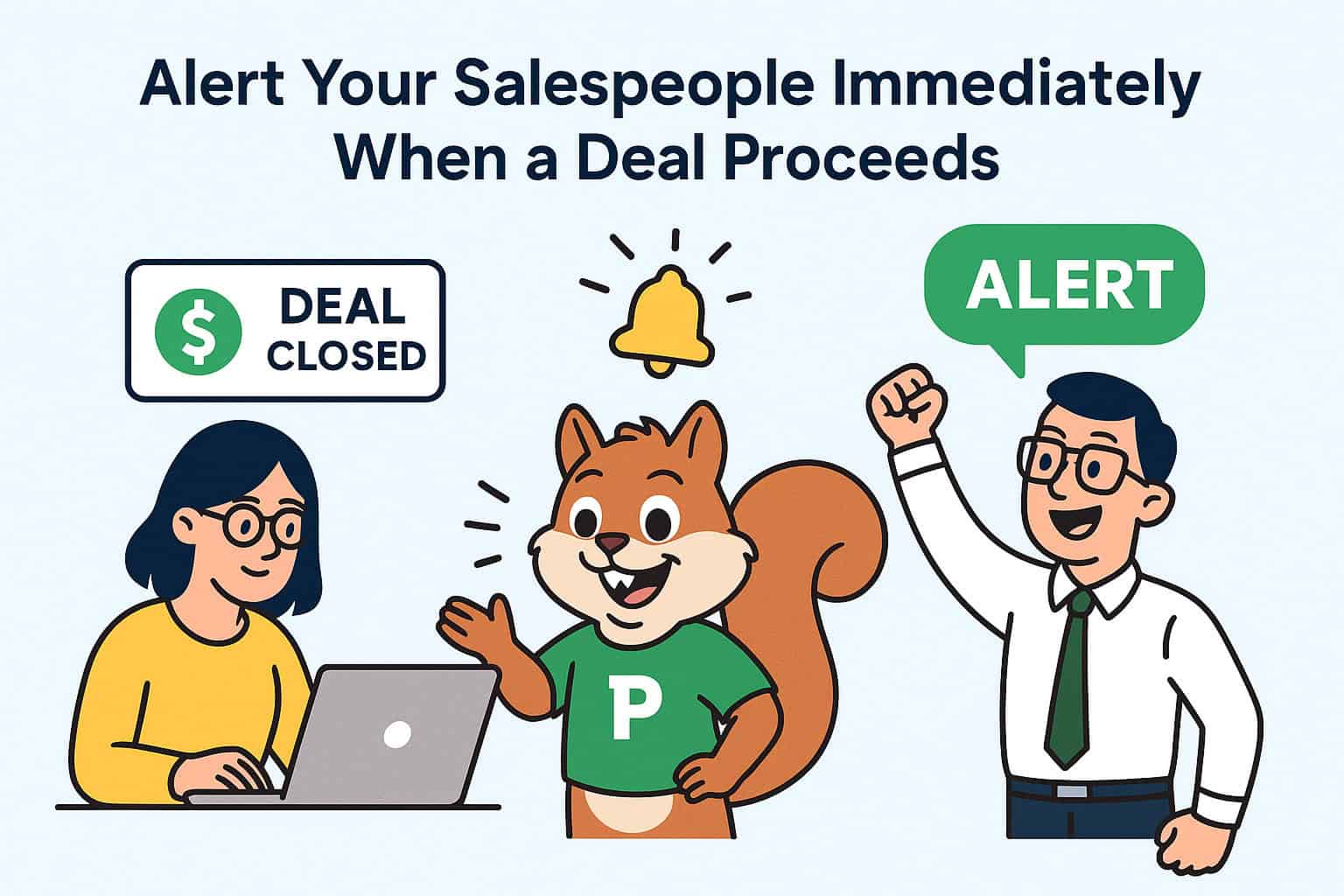
9. Alert Your Salespeople Immediately When a Deal Proceeds
You are playing soccer, and your teammate doesn’t know you passed him the ball.
Oh no! Lost opportunity!
That’s why reminders are necessary at the right time; everyone needs to be reminded about what’s next!
Same with your salespeople!
With Pipedrive automation:
- When a deal progresses to “Meeting Scheduled,” the salesperson is notified
- When a deal moves to “Contract Sent,” → Alerts Legal team
- When a deal is closed → Alerts Finance team
No lag. No mess.
Why it matters:
- No lag. No mess.
- The faster your team follows up, the greater the chances of closing the deal.
- Timely follow-up can boost closing rates by as much as 50%!
Pro Tip:
With Marketing Automation Integration Tips, you can:
- Alert reps in real-time when a lead is sales-ready
- Alert your team when a deals at risk
- Automatically route leads by territory or product interest
These reminders keep your team active and prevent lost opportunities.
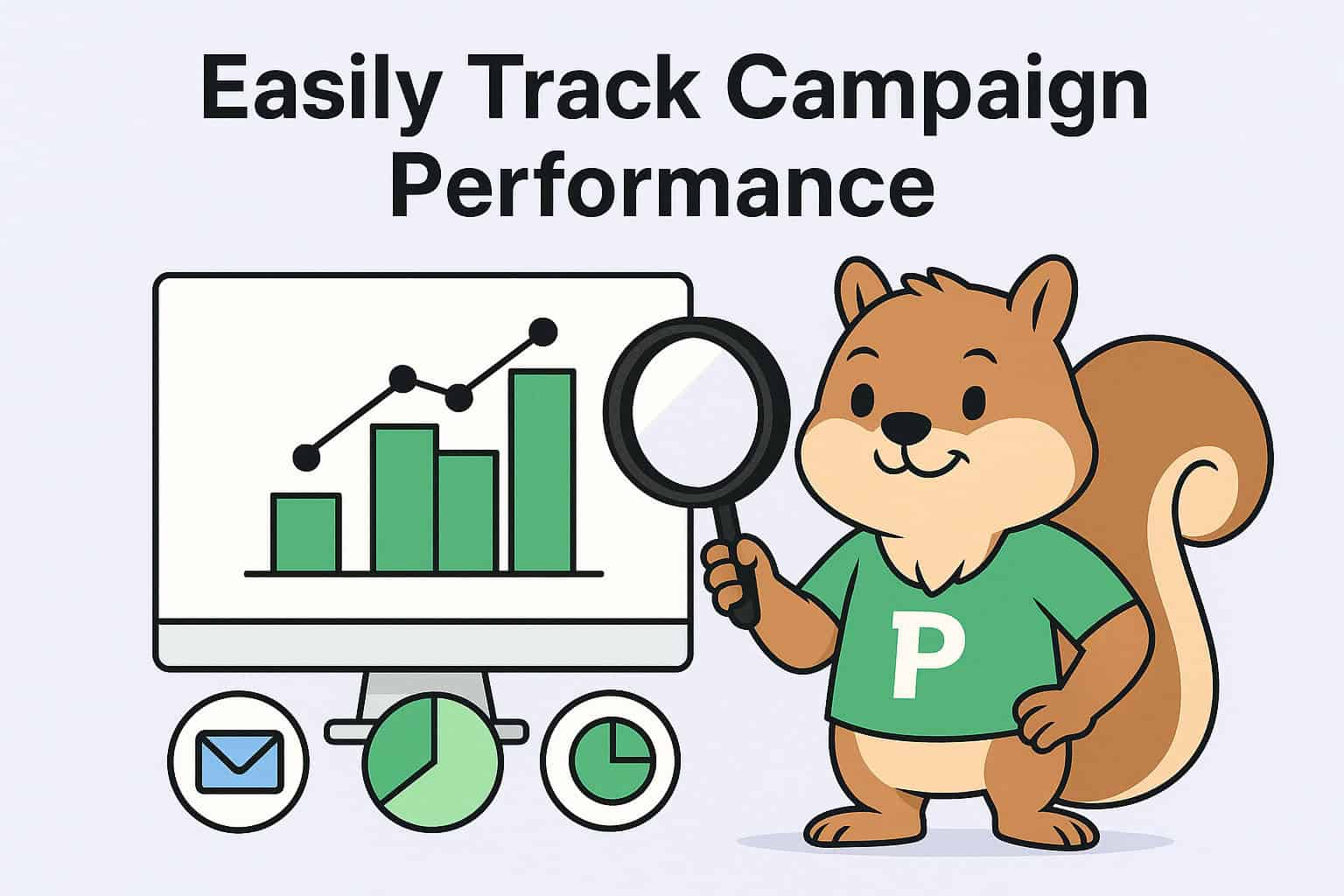
10. Easily Track Campaign Performance
You baked 5 cakes but didn’t know which one everyone loved most. You wouldn’t know which recipe to duplicate!
That’s where the tracking comes in so handy!
Tracking lets you know what’s working and do more of it.
With Pipedrive, obtaining the following is straightforward:
- Number of emails opened
- Who opened the links?
- Which campaigns were most fruitful in terms of new buyers?
Why it matters:
- You can do more of the good stuff and less of the bad if you know what works!
- Marketers who measure their automation campaigns generate revenue 1.6x faster than the competition.
Pro Tip:
Use Pipedrive’s reporting panel or third-party applications for integration with other software packages like Google Analytics or Databox to:
- Track open/click numbers
- Track deal conversions by campaign
- Know which sequences bring in the most revenue
And then bet big on the winners and let the losers fall by the wayside.
Moral of the story:
Watch. Learn. Grow faster.
From Manual Labor to Marketing Machine
Pipedrive marketing automation isn’t about convenience; it’s about building a system that brings in leads, creates conversions, and multiplies your marketing with precision.
When you align your campaigns with the way people really buy, you’re no longer chasing leads; you’re attracting them.
Ready to Supercharge Your Funnel? Start with Pipedrive Marketing Automation today & see your leads become returning customers! Book a Demo!
FAQs for Pipedrive Marketing Automation
What Is Marketing Automation?
Marketing automation is using technology to send automated emails, follow up on leads, and push deals forward rather than doing it manually yourself.
What is Pipedrive marketing automation?
It is the use of automated tasks in or related to Pipedrive CRM to automate sending e-mails, updating pipelines, assigning leads, and running marketing campaigns.
How Does Pipedrive Help with Marketing Automation?
Pipedrive assists you.
- Send automatic emails
- Set reminders on tasks
- Push deals based on customer action
- Score leads
- Track your performance
It’s like having an assistant in your CRM!
Is Pipedrive’s Marketing Automation Difficult to Install?
Not at all!
Pipedrive’s easy-to-use drag-and-drop is so simple to set up, even automation beginners can do it!
If you can drag a sticker on your phone, you can automate!
Can I Send Automated Email Campaigns Using Pipedrive?
Yes! You can automate email drips, sequences, and smart triggers based on your leads’ actions.
Some smart marketing automation integration tips for Pipedrive?
- Ones to Connect it to Email Marketing Apps like Mailchimp
- Set Clean Workflows First, so you get used to your customer journey
- Always test your automation before going live
Can I use email automation within Pipedrive itself?
Yes, you can implement something like Mailigen or something like Outfunnel and automatically send customized emails based on lead activity.
How does Pipedrive automatically score leads?
Lead scoring can also be done via third-party tools or custom behavior-driven automation rules like email activity, site visits, and campaign click-throughs.
Do I need coding in order to automate in Pipedrive?
No, most automation features and integrations have visual builders or plug-and-play integration. No coding needed.
What tools integrate well for marketing automation in Pipedrive?
Best are Outfunnel, ActiveCampaign, Mailchimp, Autopilot, Zapier, and Integromat