Best CRMs for Call Centers in 2025: Top Picks Reviewed

Suppose a customer rings your support service with some urgent problem, hoping to get it resolved quickly.
But the agent scurries around, trying to find lost notes, logging in and out of several systems, and yet is still left out of essential details of prior conversations.
It becomes a dropped call, frustration mounts on both parties and confidence is lost. Sound familiar?
In particular, in 2025-call centers just cannot allow such mistakes.
According to Salesforce’s State of the Connected Customer Report (2023), a whopping 75% of customers expect companies to understand their needs and deliver personalized experiences.
Yet, PwC’s Consumer Intelligence Series (2022) reveals that 59% of customers will stop doing business with a brand after just one poor customer experience.
Stakes are so high that not only is providing fast, seamless and pertinent support a possibility but also a necessity.
That’s where the best CRMs for call centers come in.
Whether you are helping customers at a helpline of a startup with the small team or you are the manager of an international BPO that has thousands of calls per day, a proper CRM software is more than the storage of contacts.
It enhances agent performance, replaces mundane duties, and equips members of your team with tools that establish stronger customer relationships.
Zendesk’s Customer Experience Trends Report (2024) highlights how faster response times and personalized support directly boost customer satisfaction and retention.
Additionally, CRMs that offer telephony integration and omnichannel support improve first-call resolution rates by up to 20%, according to Gartner’s Market Guide for CRM Customer Service Solutions (2023).
Meanwhile, Forrester’s Customer Experience Index (2023) found that call centers leveraging CRM tools see up to 30% higher agent productivity and 25% better customer satisfaction.
The market is filled with dozens of choices, but the issue is always which of these CRM solutions offers the features, scalability, and prices that call centers require?
This guide walks you through the 7 best CRM systems for call centers in 2025, carefully selected to help you transform every customer call into a brand-building experience. Learn more about tailored options on our CRM Squirrel platform.
What are the Benefits of Using a CRM for Call Centers?
Today, using a CRM is much more than a storage of customer contacts.
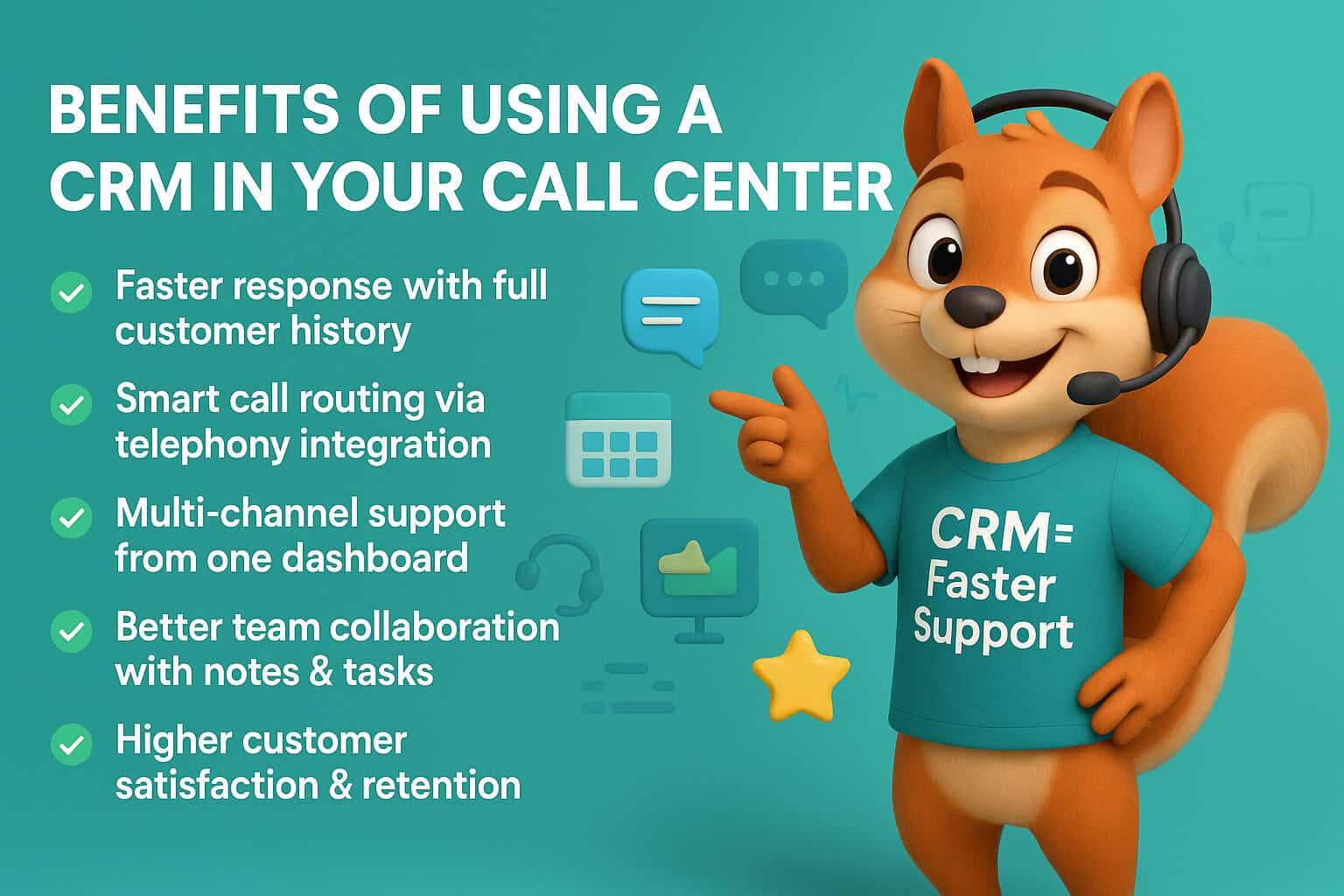
In the case of call centers, a CRM system functions as a central nervous system; it helps streamline the operations, makes the agents more productive and results in individual experiences that are customer retention catalysts.
Let’s break down exactly why investing in a call center CRM software can be a game-changer:
More Quick Response
Suppose a customer who has called your center before has a problem that has not been solved and has called again.
Lacking the record of your previous communications, your agent would spend invaluable amounts of time and effort trying to connect the dots, which will result in longer wait time and repetitive questions.
A CRM does away with this with an entire and immediately available history of the customer. All previous calls, emails and support tickets are visible to the agents.
This implies that we will answer faster and more appropriate queries and customers will feel they are being listened to and appreciated.
Research indicates that the businesses that utilize CRM systems experience an advance in response times up to 30 percent, and as a result, increase in customer satisfaction.
Telephony Integration: Smarter Routing
Calls are not always the same and the need of the caller is not always the same.
The finest CRMs in call centers have the telephony integration feature, which enables the automatic routing of calls, depending on the criteria such as the type of issue, the priority of the customer, or the competence of the agent.
This precise routing saves the customer the torture of transferring and being held because the caller gets through to the best professional.
As an instance, a grievance relating to bill may be immediately relayed to the billing expert team compared with being thrown overhead in general support. This means more pleasant, expedited conclusions and satisfied clients.
Seamless Multi-Channel Support
The needs of modern customers require those to be able to get in touch with you on the channel of their choice, be it a phone, email, online chat, or social media.
The CRMs for call centers will give your team the ability to use a single dashboard that compiles all channels of communications.
The agents do not have to use several tools and lose context switching channels anymore.
They will be able to reply to a Twitter DM, and then jump into a live chat, and then give a follow-up call and the entire story of the customer will be available in their fingertips.
This continuity of experience on any channel creates credibility and brand devotion.
Better Team Collaboration
A call center just like any other company works best on a team effort particularly in situations in which a customer has complicated problems.
The new generation CRMs combines functions such as internal notes, tagging and task assignments, with the help of which agents can work without leaving the system.
In case a case requires elevation, an agent can simply include a specialist or a manager in the cascade, without losing all the context.
There will be no misplaced emails or handoffs, merely a seamless process of work, which will guarantee that all customer requests will be looked into and followed up on.
Data-Driven Insights for Continuous Improvement
To operate call center is like flying without any data. CRM dashboards can be used in real-time to monitor key performance indicators (KPIs) such as volume of calls to be handled, average handling time, customer satisfaction rating and the productivity of agents.
Managers are able to easily determine bottlenecks, track SLA’s compliance and discover trends that are going on and that need to be addressed.
This usable knowledge allows more intelligent hiring and training as well as process improvements that will further enhance the quality of service.
Brand Loyalty and Customer Satisfaction
Everything boils down to a single cause of happiness of customers. Swift feedback, customized interactions, an efficient manner to solve problems all boil down to good experiences that can encourage patronage.
The recent research shows that companies with integrated CRM have an average rate of customer retention which is 27 percent longer.
In the competitive business environment, the use of a CRM in helping to establish a call center is not merely a convenience but an approach that establishes long-term client relationships and increases revenue.
How We Chose the Best CRMs for Call Centers
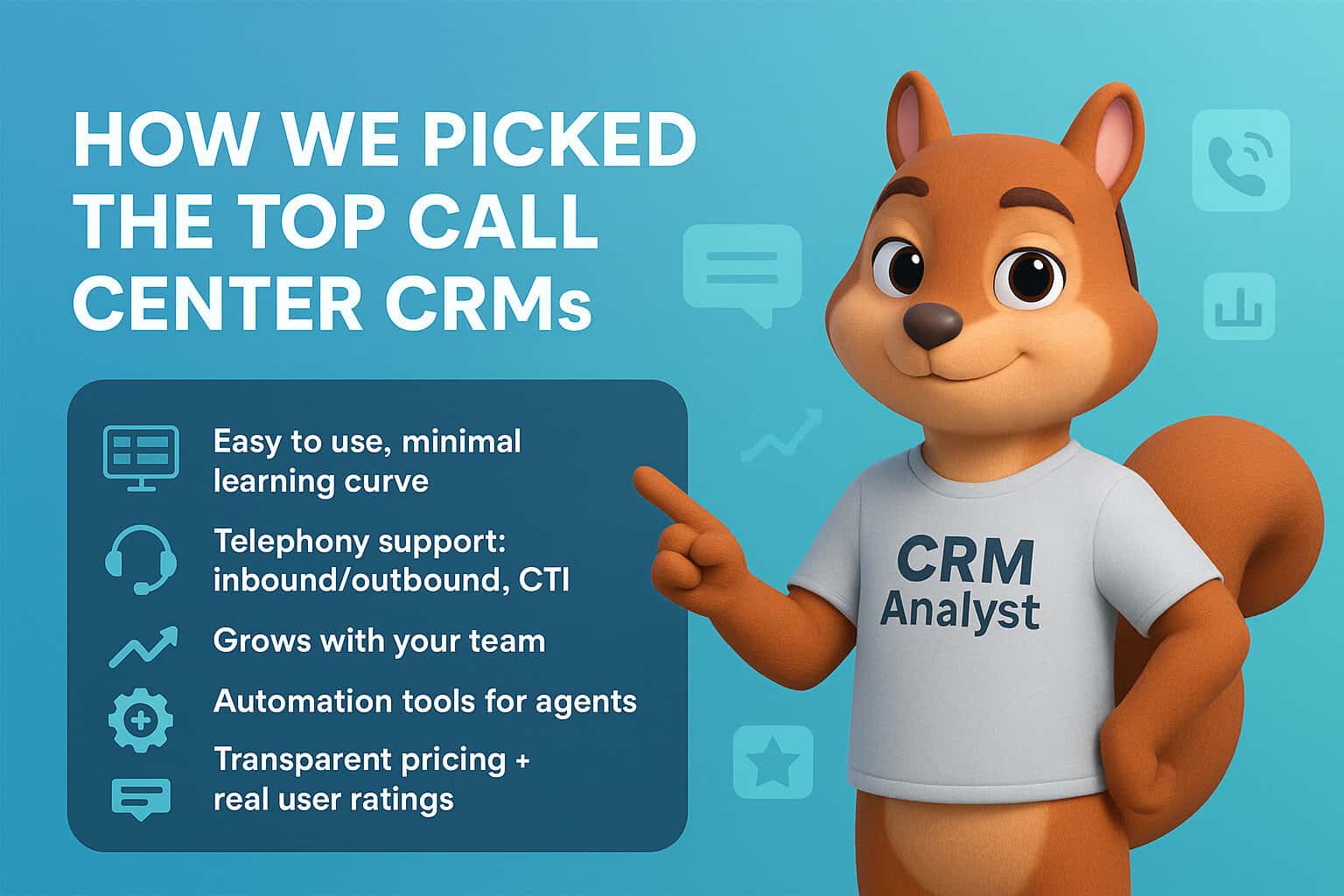
Choosing the best CRM systems for call centers meant digging into what actually works on the ground. The following will be your priority:
-
User-friendliness
Easy interface to make the onboarding process quick.
-
Telephony Integration
Ability to make or receive calls with built-in or third-party solutions.
-
Scalability
Applied to both small call centers and contact hubs of an enterprise level.
-
Feature of Automation
Auto-dialer, call-logs, follow-ups, and reminders.
-
Pricing Transparency
Free or transparent tiers.
-
User Reviews/Testimonials
I put detailed review on G2, Capterra and Trustpilot.
It was also possible to spoke to customer support agents and managers and find out what tools can help them perform better.
7 Best CRMs for Call Centers in 2025

Choosing the right CRM can transform your call center’s performance in 2025.
Pipedrive shines for sales-driven teams with its visual dashboards and VoIP tools. Freshdesk offers stellar omnichannel support.
Zoho CRM is a budget winner with strong features. Salesforce Service Cloud powers large enterprises, while HubSpot merges marketing with service.
Talkdesk brings AI-driven analytics, and Bitrix24 offers a free all-in-one suite for small businesses.
Whether you need power, flexibility, or affordability—there’s a CRM here that fits.
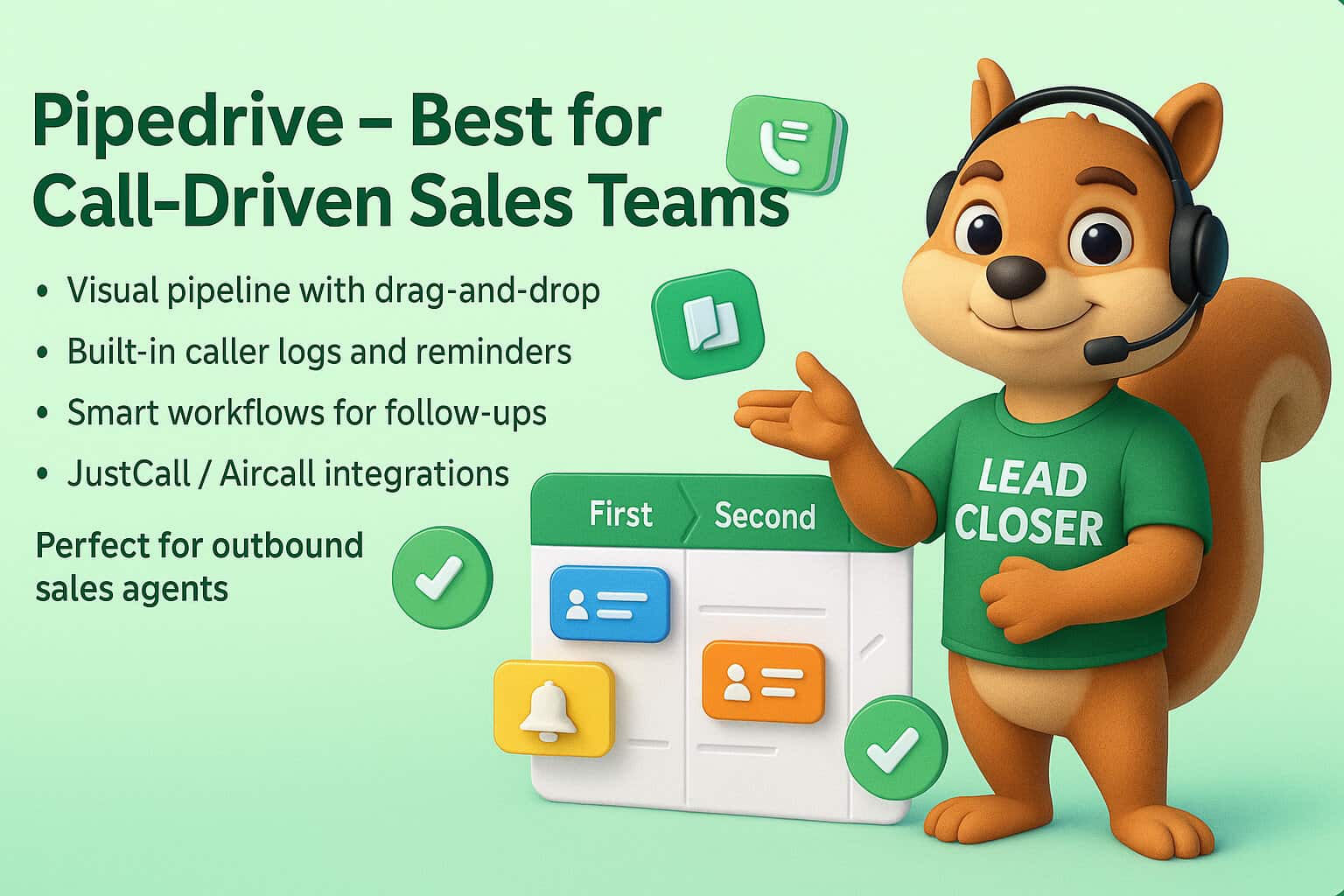
1. Pipedrive – Best for Call-Driven Sales Teams
Key Features of Pipedrive
- Easy-to-use pipeline and deal tracking
- Smart contact history with full call logs
- Caller identification & logging
- Customizable workflows for follow-ups
- VoIP integrations via JustCall, Aircall
Pipedrive Best For
Outbound sales teams, SMB call centers
Pipedrive Pros
- Highly visual and intuitive dashboard
- Built-in caller notes and auto-reminders
- Affordable plans
Cons of Pipedrive
- May need add-ons for advanced reporting
Story: Sam, a sales manager in a Dhaka-based call center, reduced agent idle time by 32% after switching to Pipedrive. “It felt like a control tower for our entire team,” he said.
Don’t lose leads.
Test the powerful Pipedrive CRM, designed especially in call centers, and see your conversion rates skyrocket.
Start your free 45-day trial today!
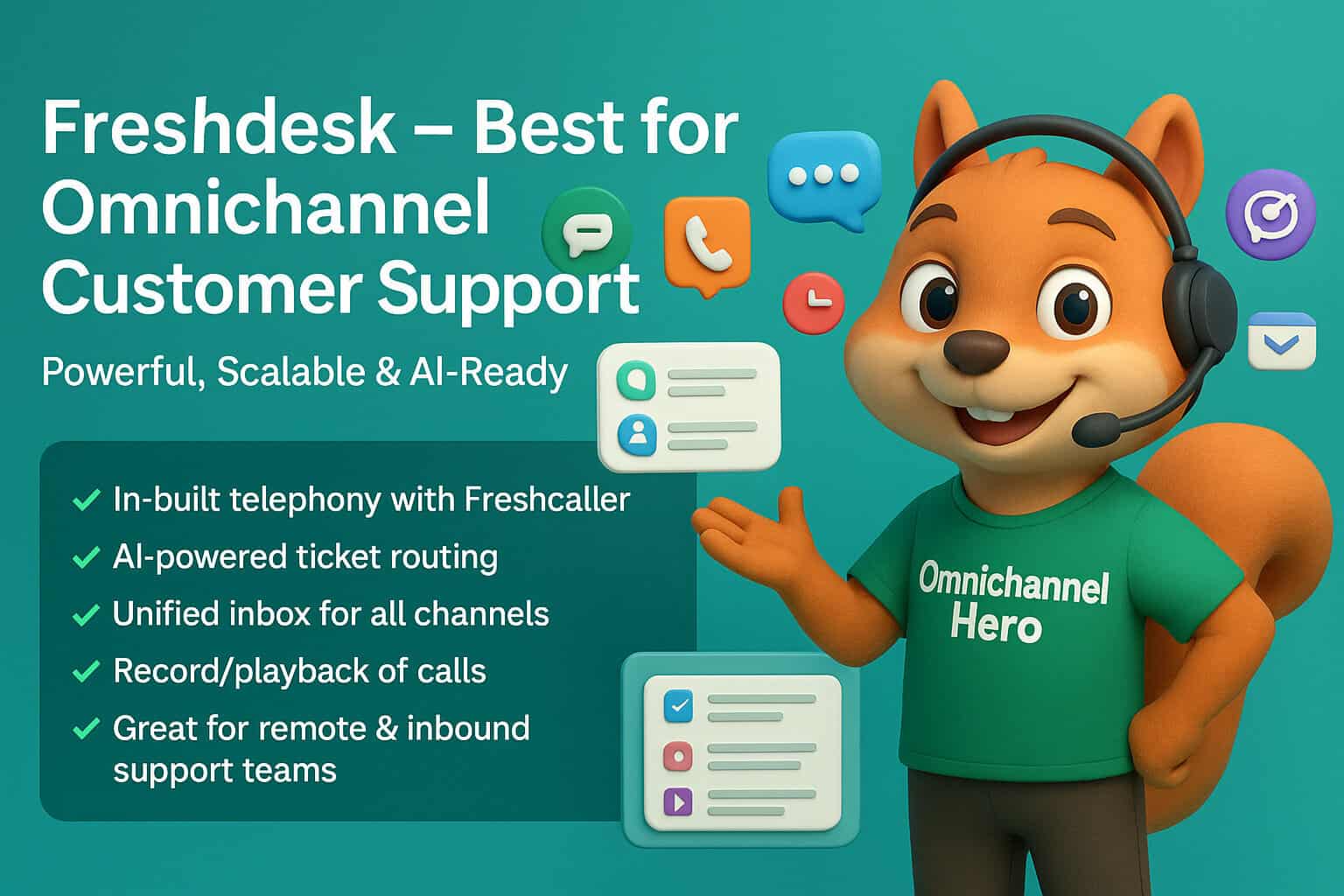
2. Freshdesk by Freshworks – Best for Omnichannel Customer Support
Freshdesk Key Features
- In-built telephony with Freshcaller
- AI-powered routing
- Shared inbox and ticketing
- Call recording and playback
Freshdesk Best For
Inbound support teams, remote call agents
Freshdesk Pros
- Easy to scale with channels like chat, WhatsApp
- AI automations save time
Freshdesk Cons
- Higher tiers needed for advanced tools
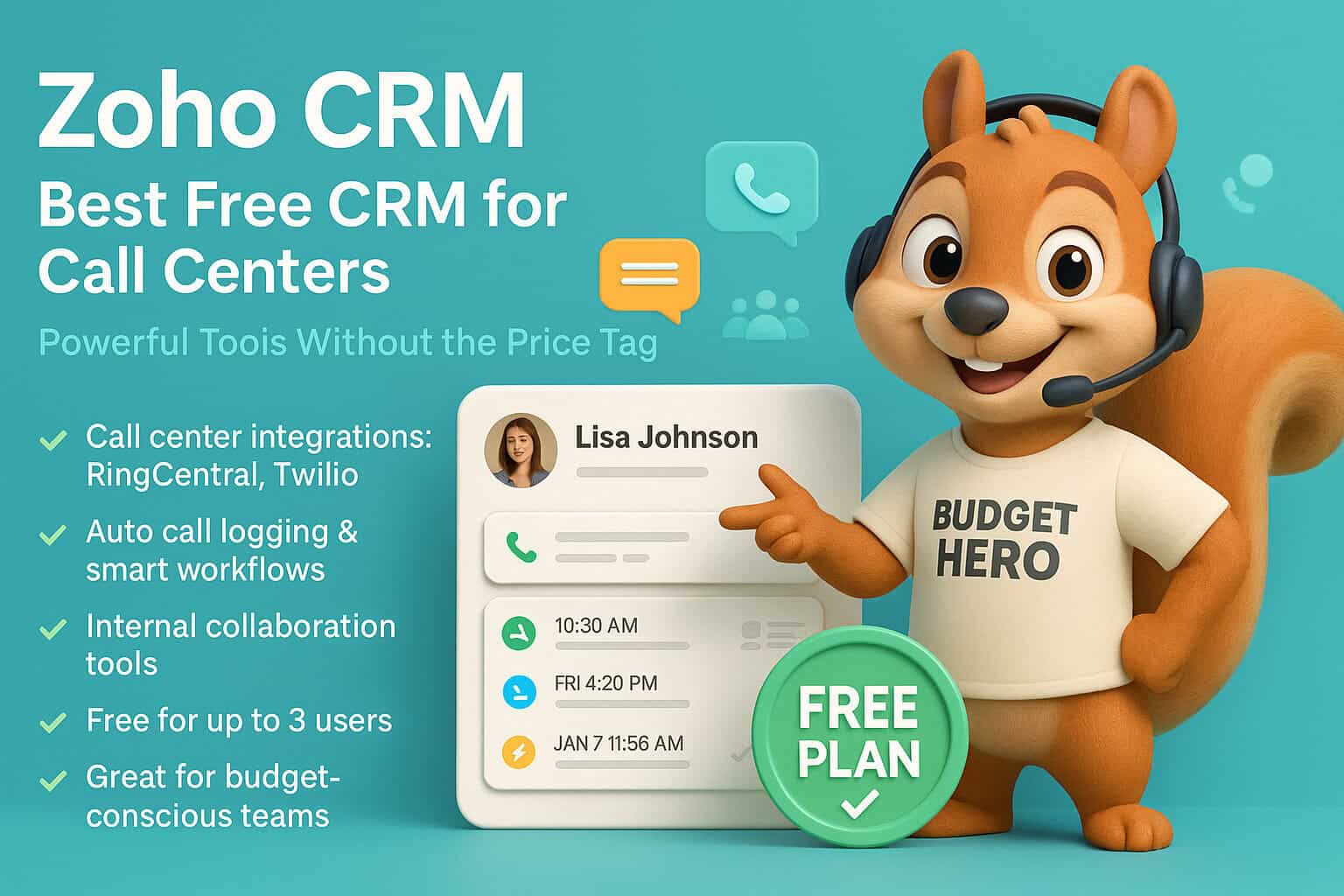
3. Zoho CRM – Best Free CRM for Call Centers
Key Features of Zoho CRM
- Call center integrations with RingCentral, Twilio
- Auto call logging
- Workflow automation
- Team collaboration tools
Zoho CRM Best For
Budget-conscious small teams
Pros of Zoho CRM
- Free for 3 users
- Rich set of features
Cons of Zoho CRM
- Slight learning curve for first-time users
4. Salesforce Service Cloud – Best for Large Enterprises

Key Features of Salesforce
- Advanced telephony and CTI integrations
- AI-powered chatbots and case management
- SLA tracking
- Real-time analytics
Salesforce Best For
Large enterprise contact centers
Salesforce Pros
- Deep customization options
- High scalability
Cons of Salesforce
- Expensive and requires expert setup
5. HubSpot Service Hub – Best for Integrated Marketing & Service
Key Features of HubSpot
- Call tracking and logging
- Shared inbox
- Feedback surveys
- Built-in VoIP tools
HubSpot Best For
Businesses needing CRM + marketing
HubSpot Pros
- Free tier available
- Unified customer database
HubSpot Cons
- Limited features on free plan
6. Talkdesk – Best for AI-Powered Contact Centers
Key Features of Talkdesk
- AI-powered agent assistance
- Real-time speech analytics
- No-code integration builder
- Cloud-based infrastructure
Talkdesk Best For
High-volume contact centers
Talkdesk Pros
- Super scalable
- Data-rich dashboards
Cons of Talkdesk
Premium pricing
7. Bitrix24 – Best All-in-One Business Suite
Key Features of Bitrix24
- CRM + Call Center in one
- Built-in telephony
- Employee performance tracking
- Customer profiles
Bitrix24 Best For
Small business owners
Bitrix24 Pros
- Free plan with telephony
- All-in-one workspace
Bitrix24 Cons
- The interface can feel cluttered
Overview of the Best CRM for Call Centers
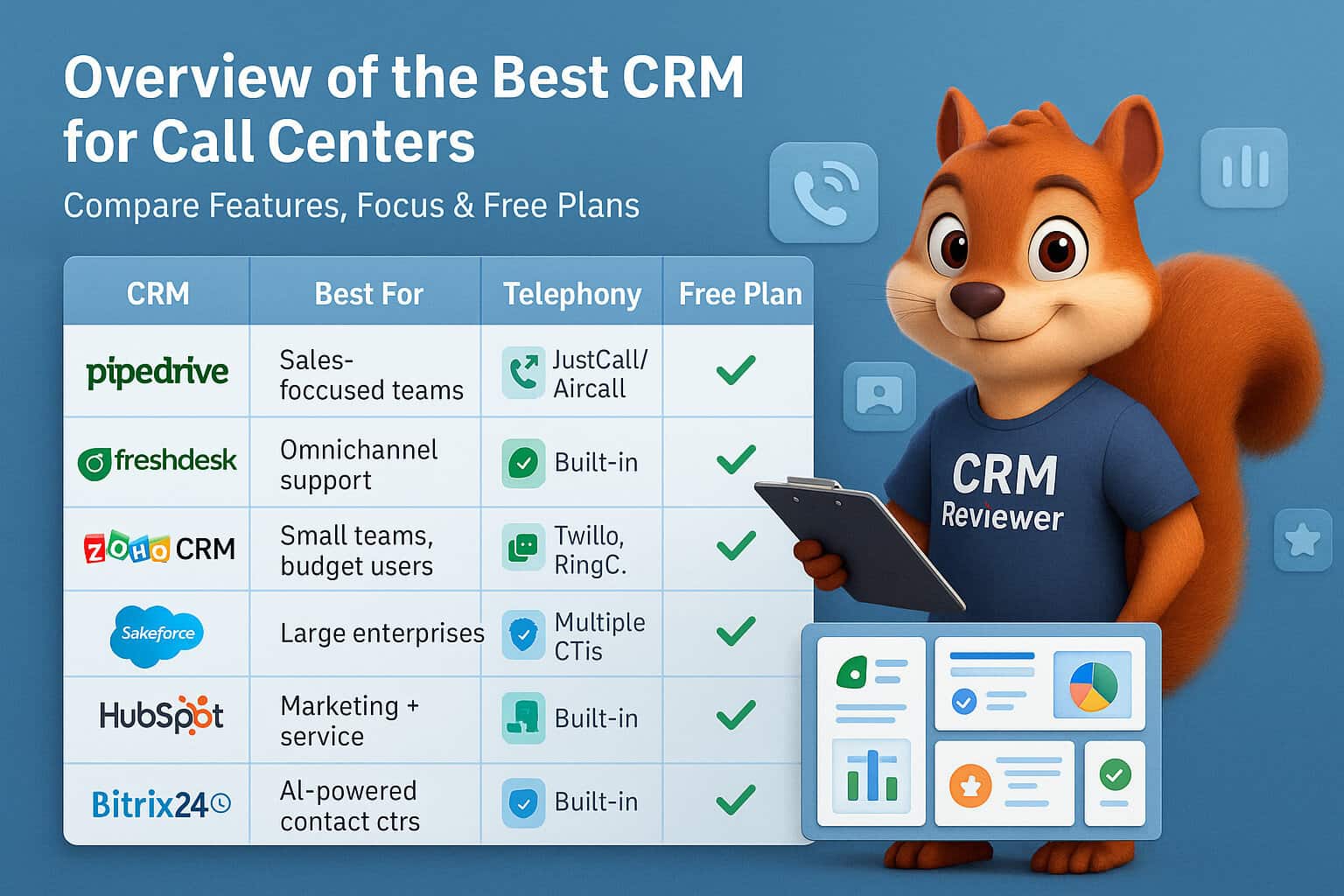
| CRM | Best For | Telephony Integration | Free Plan | Unique Strength |
| Pipedrive | Sales-focused call centers | JustCall, Aircall | No | Visual pipeline & reminders |
| Freshdesk | Omnichannel support | Built-in (Freshcaller) | Yes | AI-powered ticketing |
| Zoho CRM | Small teams on a budget | Multiple | Yes | Free plan + automation |
| Salesforce | Large enterprise centers | Multiple CTIs | No | Deep automation, AI |
| HubSpot | Integrated CRM & marketing | Built-in + others | Yes | CRM + inbound marketing |
| Talkdesk | High-volume call centers | Built-in | No | AI, analytics |
| Bitrix24 | Small business all-in-one | Built-in | Yes | Business suite CRM |
Why Choose Pipedrive as the Best CRM for Call Centers?
In the case of the call centers, the appropriate CRM is not a tool. It is the pulse of your activity.
Pipedrive was built with call-driven sales and customer engagement in mind.
It is designed thoughtfully to support call centers.
Teams can use it to work more efficiently, improve performance, and close more deals.
For any call center, it can be an excellent solution.
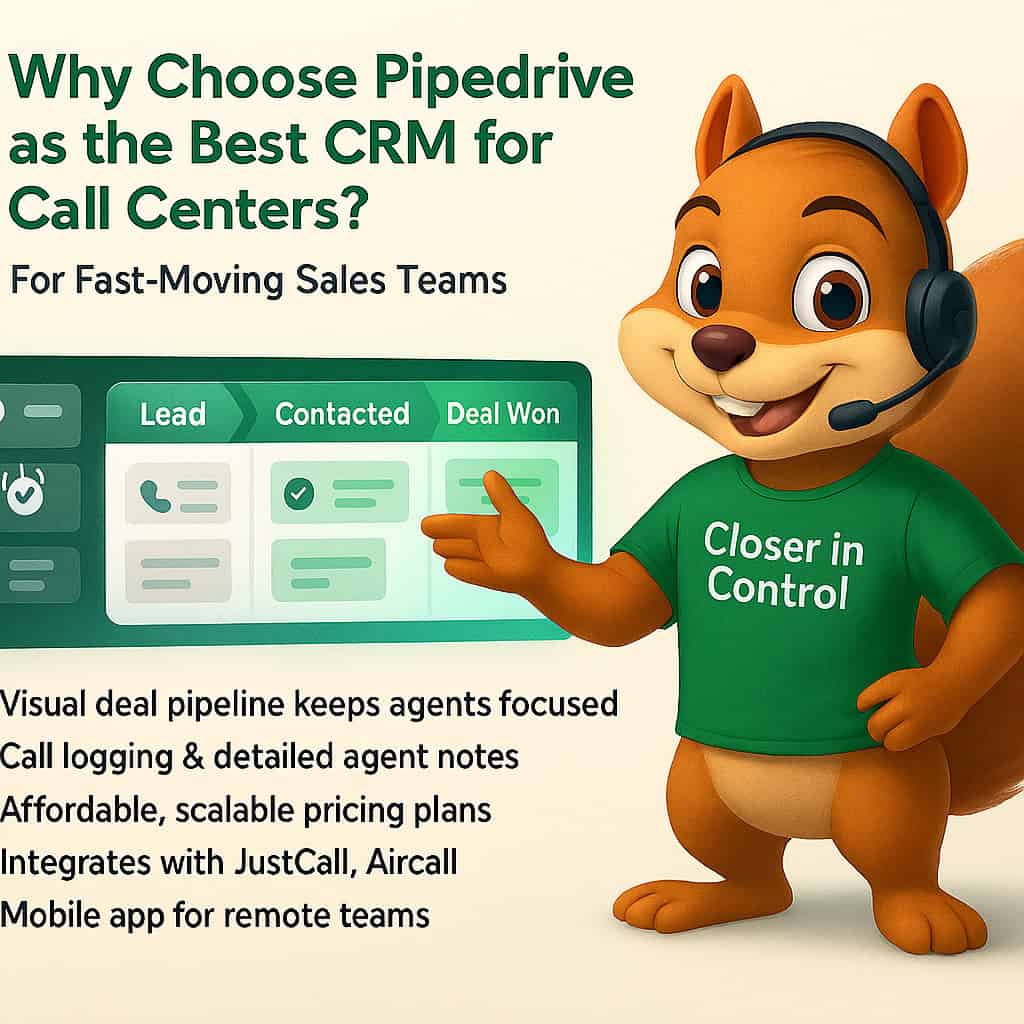
That is why Pipedrive is unique:
Visual Pipeline
An uncomplicated visual pipeline is one of the essential features of Pipedrive.
Your agents will no longer be overwhelmed with a pool of spreadsheets or messy interfaces, because they have a clear, drag-and-drop way of tracking their leads and calls and securing the deals with new prospects.
This openness enables the agents to prioritize on follow-ups, real-time tracking and missing no opportunity anywhere in the pipeline.
It transforms the hustle and bustle of the call center operations into a systematic, manageable workflow.
Use Pipedrive to turn your call center into an extra level.
Start managing leads, calls, and customer relationships like a pro today!
Call Logging and Notes
Context reigns in the hectic world of a call center.
Pipedrive records all calls and allows agents to leave detailed notes, thus keeping the whole team on the same track.
Nobody is frantically trying to recall what has been mentioned or missing the golden information that may be missed between shifts anymore.
This would imply a reduction in the incidences of error, acceleration of solutions, and an overall high-quality customer journey.
Affordable Scaling
The ability to scale up due to the increasing demands of teams comes at a premium cost with many CRMs. Pipedrive has affordable and clear-cut pricing services that are flexible to your call center needs, whether you are working with five agents or fifty.
That is why it is quite affordable to startups and SMBs that want to grow without resorting to financing costs.
In addition, the simple implementation reduces the expensive onboarding period and training.
Third-Party Integrations
There are multiple telephony tools that your call center is probably using, and Pipedrive integrates well with such popular solutions as JustCall or Aircall, among others.
These integrations allow you to have a smooth click-to-call, automatically store call information in the system, including alternative placement storage capabilities.
It is flexible, which implies that you can build your tech stack according to your taste without losing efficiency.
Mobile App
In the modern and dynamic world, there are numerous remote or mobile agents.
With a powerful mobile app, Pipedrive makes it possible to view leads, move pipelines, and call back customers from anywhere at all time.
This maintains productivity levels and responsiveness levels sharp – regardless of where your agents are situated.
Ready to Boost Your Call Center’s Efficiency?

The new call center will require much more sophisticated tools or simple name and number lists.
You now require a CRM which really makes your team stronger, pleases your clients and ably expands as your company increases.
Whether you are a small startup with a few agents or a large international call center, the right CRM makes a big difference.
It is not a luxury but a game changer.
The right tool helps manage relationships better, boost productivity, and deliver great customer experiences.
Ready to boost your call center’s productivity and customer satisfaction?
You will be surprised at how easy it is to track calls, manage pipelines, and to coordinate your agents.
Call Center FAQs connected with Pipedrive CRM
Does Pipedrive have call tracking and recording?
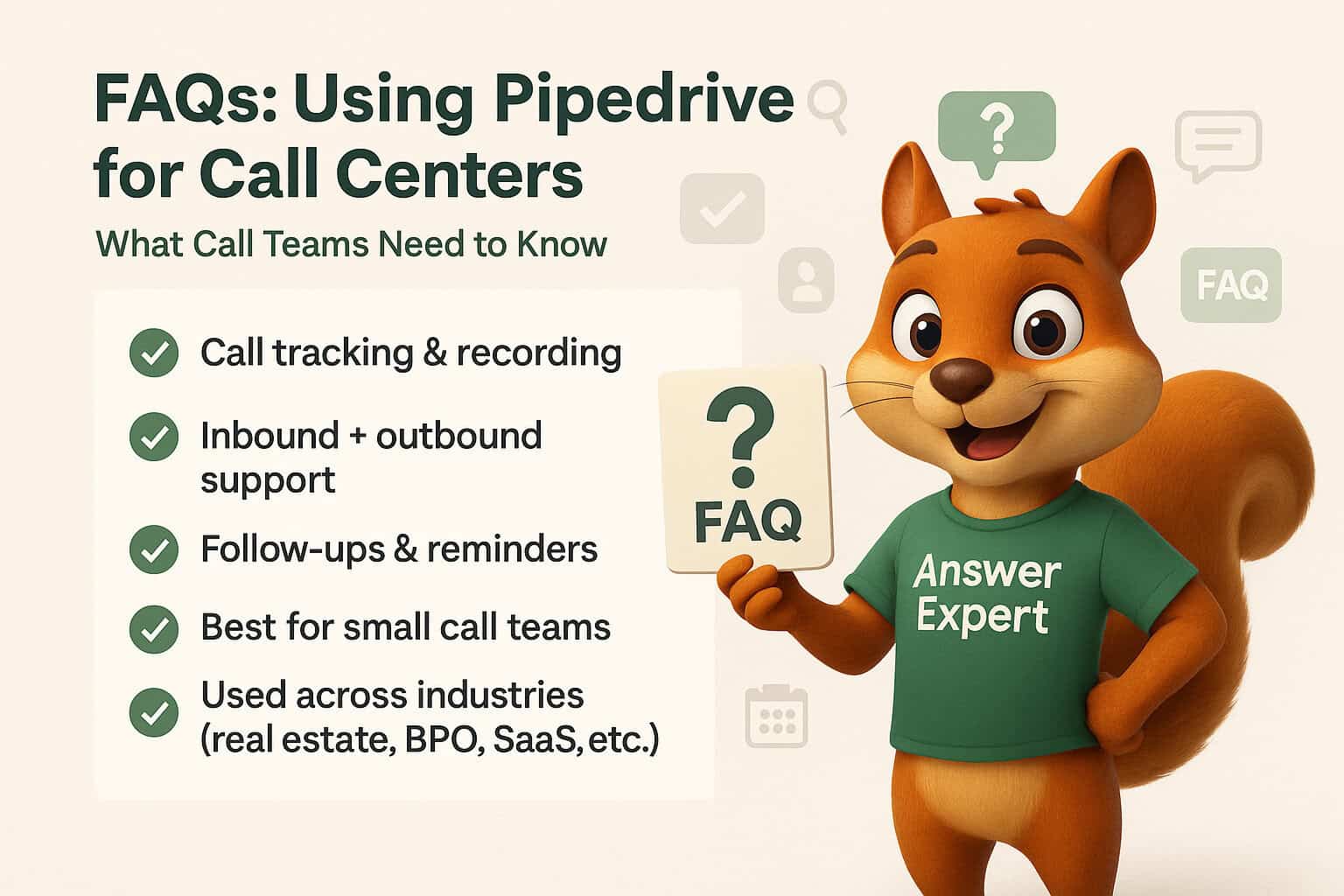
Yes. When connected to the telephony tool (e.g. JustCall, Aircall, or Twilio), Pipedrive smoothly records every single call you make.
It is also possible to listen to the recordings of the calls, the time stamps and notes that were put by the agent-making it easier to follow up and keep the whole team on the same track.
It is possible to make inbound and outbound calls with Pipedrive?
Absolutely. Pipedrive allows inbound and outbound connections using the telephony connections.
One can even automate call-based workflows which will ensure not a single lead or any support query is left behind.
Is Pipedrive any good with a small call center?
Yes, and it is very much recommended.
Pipedrive has a user-friendly interface, minimal price, and a speedy set-up that makes it suitable in small to medium-sized call centers that seek to expand without feeling burdened by the heavy complexity and a cost.
Does Pipedrive allow agents to follow ups?
Yes. Pipedrive allows agents to keep everything sorted using graphical pipelines, reminders of the activities they are involved in, and task automation.
Be it a callback, an e-mail or a follow-up meeting, all of that can be traced and viewed within a single location.
Which are the call center industries using Pipedrive?
The industries that use Pipedrive the most are real estate, SaaS, BPOs, finance, and healthcare, among others, and even non-profits (since they can use it to take care of their employees as well).